

Automated smoke testing for every deployment
Know quickly whether a new build is stable enough for deeper testing. Verify essential user journeys, capture failure evidence, and route a clear release decision.
See how fast build verification fits your deployment process.
Trusted by QA teams at




Capabilities
Smoke testing that protects every deployment
Verify the small set of business-critical paths that determines whether deeper testing should begin.
Configurable critical-path packs
Define the login, checkout, search, account, API, or business workflows that must work in every build. Maintain different smoke test packs for each product and environment.
Fast post-deployment release gate
Trigger automated smoke testing as soon as a deployment completes. Apply pass-rate, severity, and required-check thresholds before broader testing begins.
Rollback-ready alerts
Send concise alerts with the failed step, environment, screenshots, logs, and deployment context so teams can investigate, pause, or roll back quickly.
Workflow
How the Smoke Testing Agent works
Turn every deployment into a quick, repeatable build verification decision.
1. Define the build essentials
Choose the critical paths, required checks, credentials, target environments, and release thresholds.
2. Trigger checks after deployment
Start smoke testing through a deployment webhook, CI/CD event, schedule, API call, or manual run.
3. Route the release decision
Receive a pass, investigate, or stop recommendation with evidence for every failed critical path.
Evidence
Build verification evidence in minutes
Give release owners a concise answer without making them search through raw automation logs.
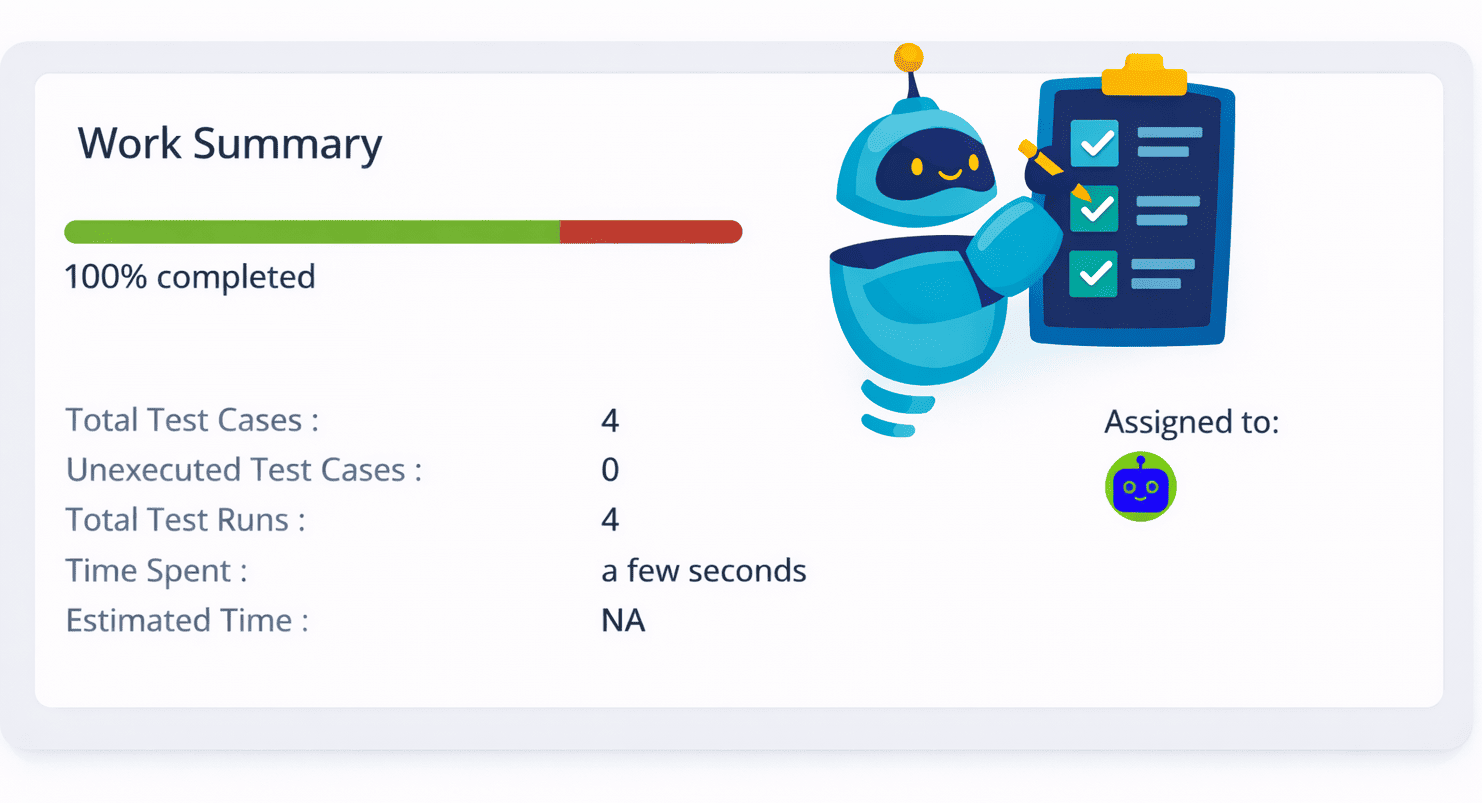
Critical-path status board
See every required path, its latest result, duration, environment, and whether it satisfies the release threshold.
Deployment-linked evidence
Tie screenshots, logs, video, and failed steps to the exact build, deployment, environment, and smoke test configuration.
Release or rollback context
Give responders the failed dependency, last successful run, severity, and reproduction path needed to decide the next action.
Platform
A controllable platform for automated smoke testing
Deploy, trigger, govern, and audit fast build checks according to your engineering and security requirements.
Self-hosted with an open-source model
Use the managed service or deploy inside your VPC or on-premises with an approved open-source model. Keep code, credentials, test data, and results within your environment.
Webhook or scheduler triggers
Run after a deployment, pull request, release webhook, CI/CD event, API call, or recurring schedule. Manual runs remain available.
Safe access to private environments
Test staging sites, internal applications, and protected services with scoped credentials, allowlists, and read-only defaults.
Custom rules and thresholds
Set required smoke checks, pass-rate thresholds, time limits, exclusions, and environment-specific release policies.
Change-aware execution
Use deployment context, changed services, requirements, and risk labels to add the most relevant checks to the critical-path baseline.
Evidence with every finding
Capture pass, fail, and skip results with applicable screenshots, video, logs, traces, diffs, and source context.
Human-controlled release gates
Choose whether a failed smoke check informs the team, waits for approval, pauses promotion, or blocks a release.
Connected delivery workflow
Route smoke test results and evidence into TestCollab, issue trackers, source control, team channels, and CI/CD pipelines.
Audit-ready history and portable results
Retain configurations, model versions, runs, overrides, and approvals. Export portable results in formats such as JSON, JUnit, SARIF, and PDF where applicable.
FAQ
Answers teams look for
What is smoke testing in software testing?
Smoke testing is a focused set of checks that confirms a new build's most critical functions work. It helps teams decide whether the build is stable enough for broader functional and regression testing.
How is smoke testing different from regression testing?
Smoke testing quickly verifies a small set of essential paths after a build or deployment. Regression testing examines a broader set of existing behaviors that could have been affected by a change.
When can automated smoke tests run?
They can run after deployments, pull requests, environment refreshes, or on a recurring schedule. Teams can also start an on-demand smoke test before a release decision.
Can smoke test results block a deployment?
Yes, when your release policy allows it. You can require specific checks, set severity thresholds, request human approval, or use results as advisory evidence without automatically blocking a release.
Verify every build before deeper testing begins
See how automated smoke testing can deliver a fast, evidence-backed release signal.



