
The test management tool built for QA teams
Author, organize, and reuse test cases across projects, with the traceability, governance, and speed QA teams need.
No credit card required. Full access in under 2 minutes.
Trusted by QA teams at



Key advantages
What teams get with Test Management Tool
Fast test case authoring
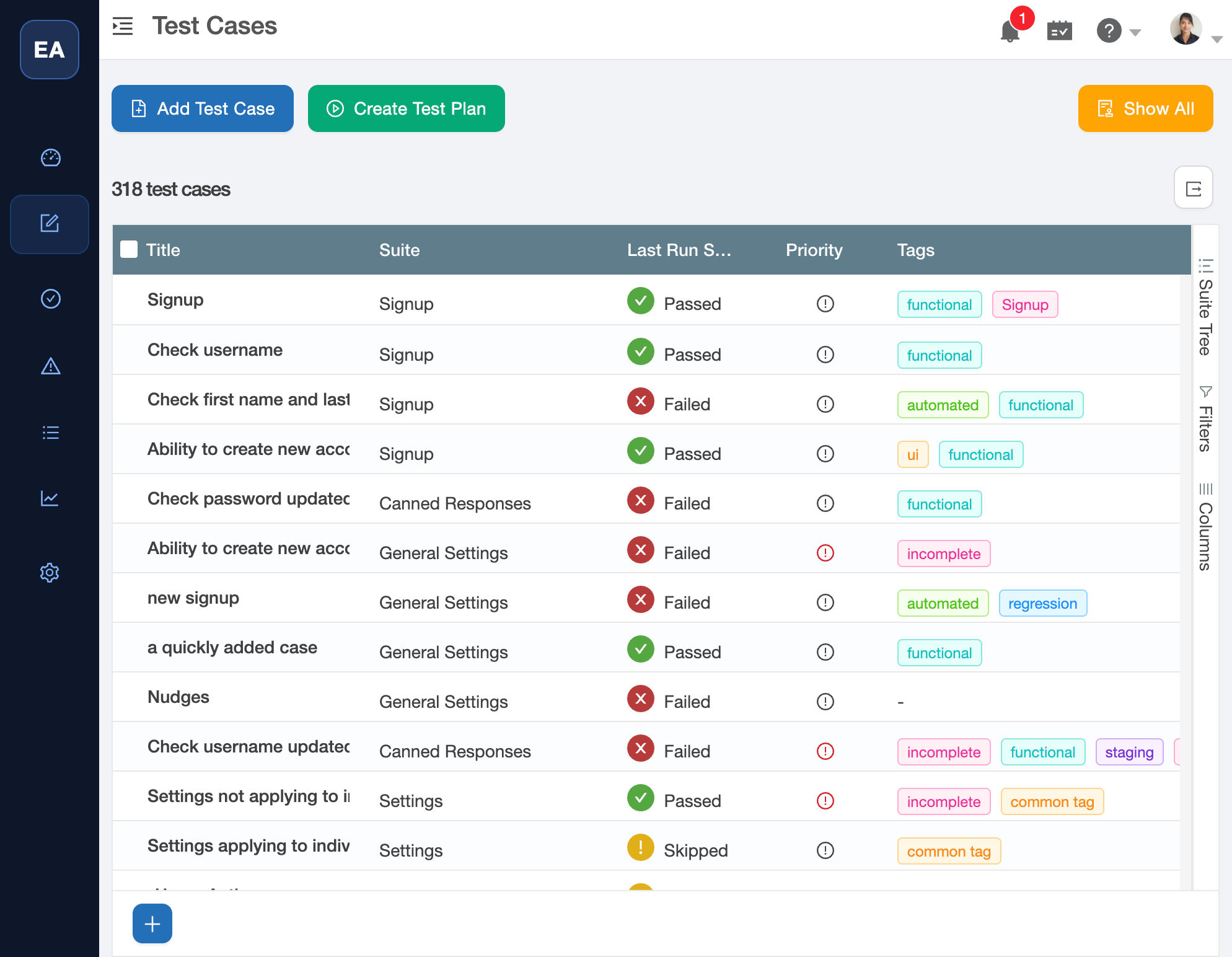
Rich editor with expected results, attachments, and data tables - everything a QA test case management tool needs in one place.
Structured test plans
Organize suites and test plans with hierarchical structures and powerful filters built for agile test case management.
Reusable workflows
Templates, cloning, and parameterized cases reduce duplication - the software test management tool that scales with your team.
Governed change control
Version history, approvals, and audit-ready logs keep QA compliant across every release.
Authoring
Author quickly and accurately
Parameters and datasets
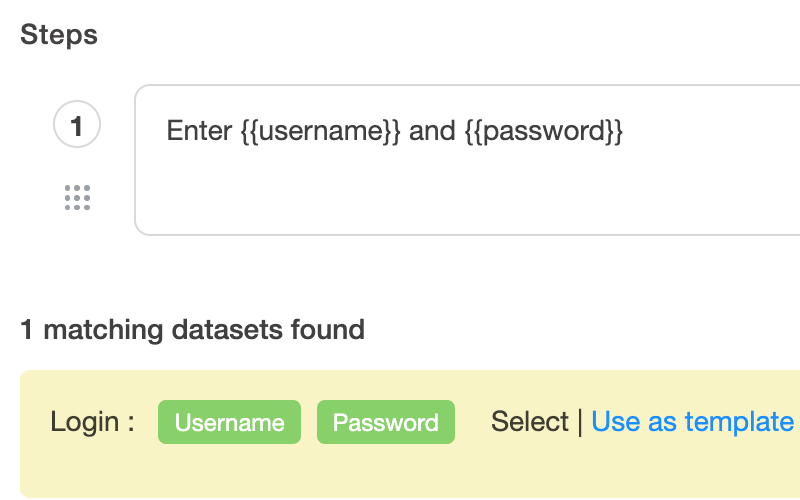
Define variables once and run cases across multiple datasets.
Custom fields and tags
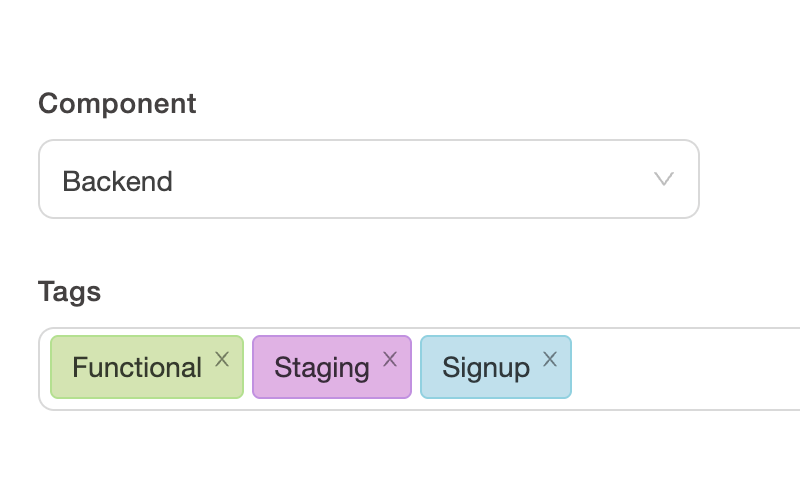
Add fields for risk, priority, component, and more. Filter instantly.
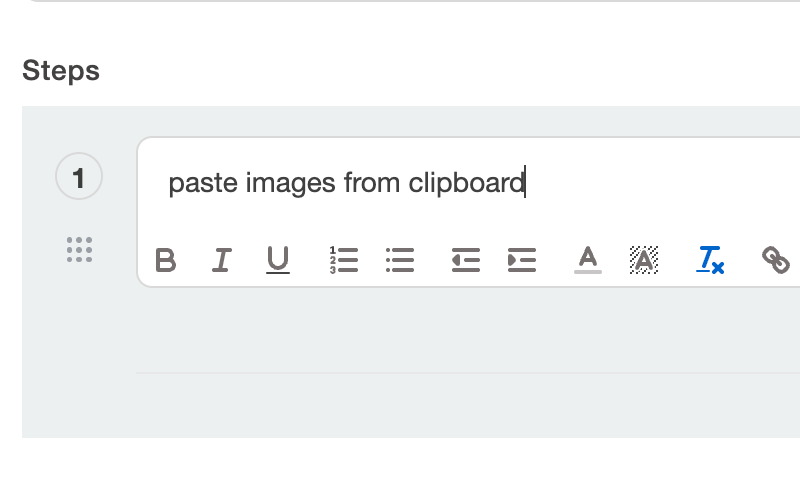
Rich case editor
Steps and expected results with keyboard shortcuts, attachments, and inline images.
Organization
Keep suites and coverage tidy
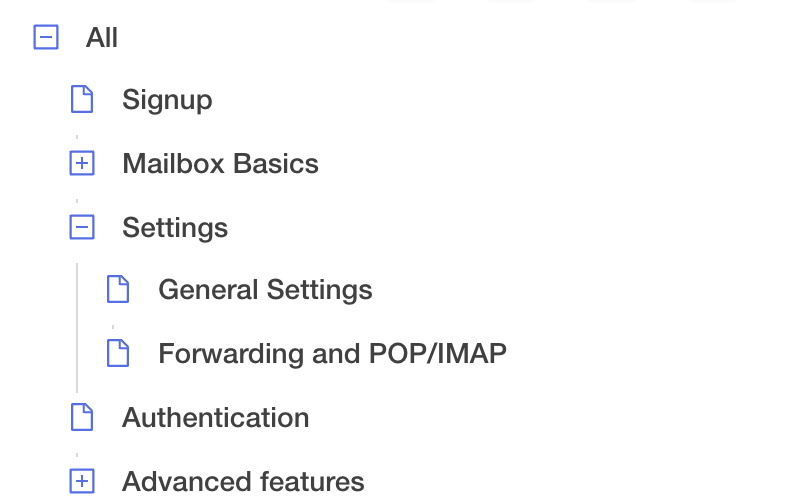
Hierarchical suites
Nest suites for modules and features. Drag to reorganize.
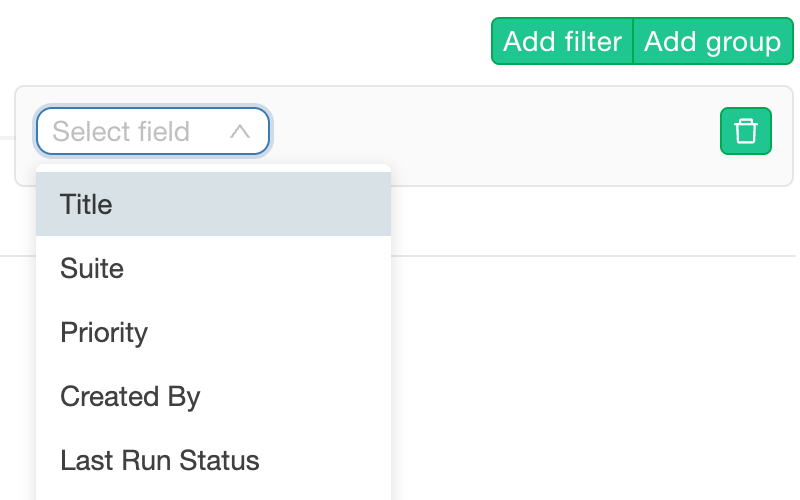
Advanced search and filters
Combine tags, fields, and text search to find the right cases fast. Save filter presets and reuse them anywhere.
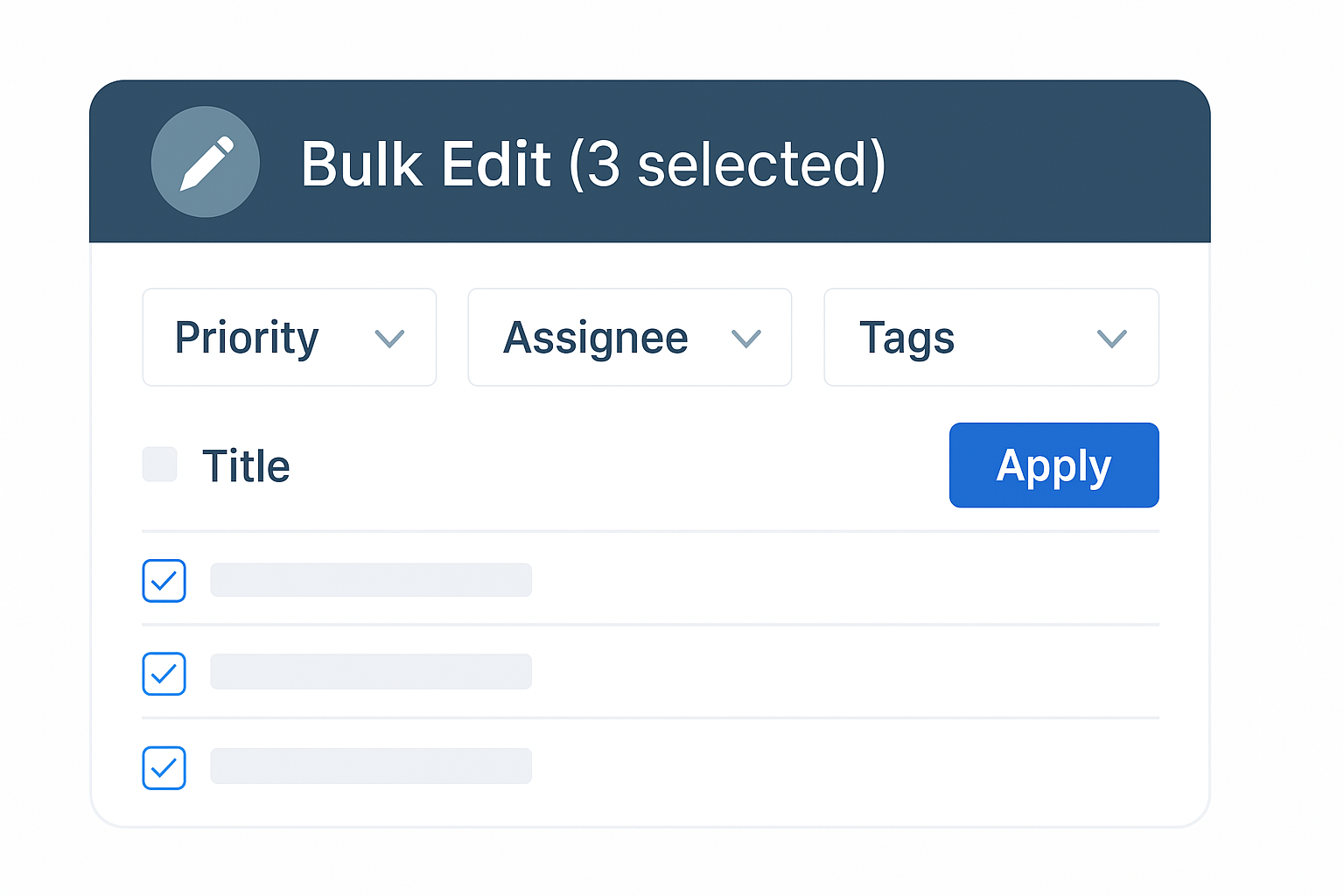
Bulk edit
Update fields across many cases at once with safeguards.
Reuse
Reuse without copy-paste
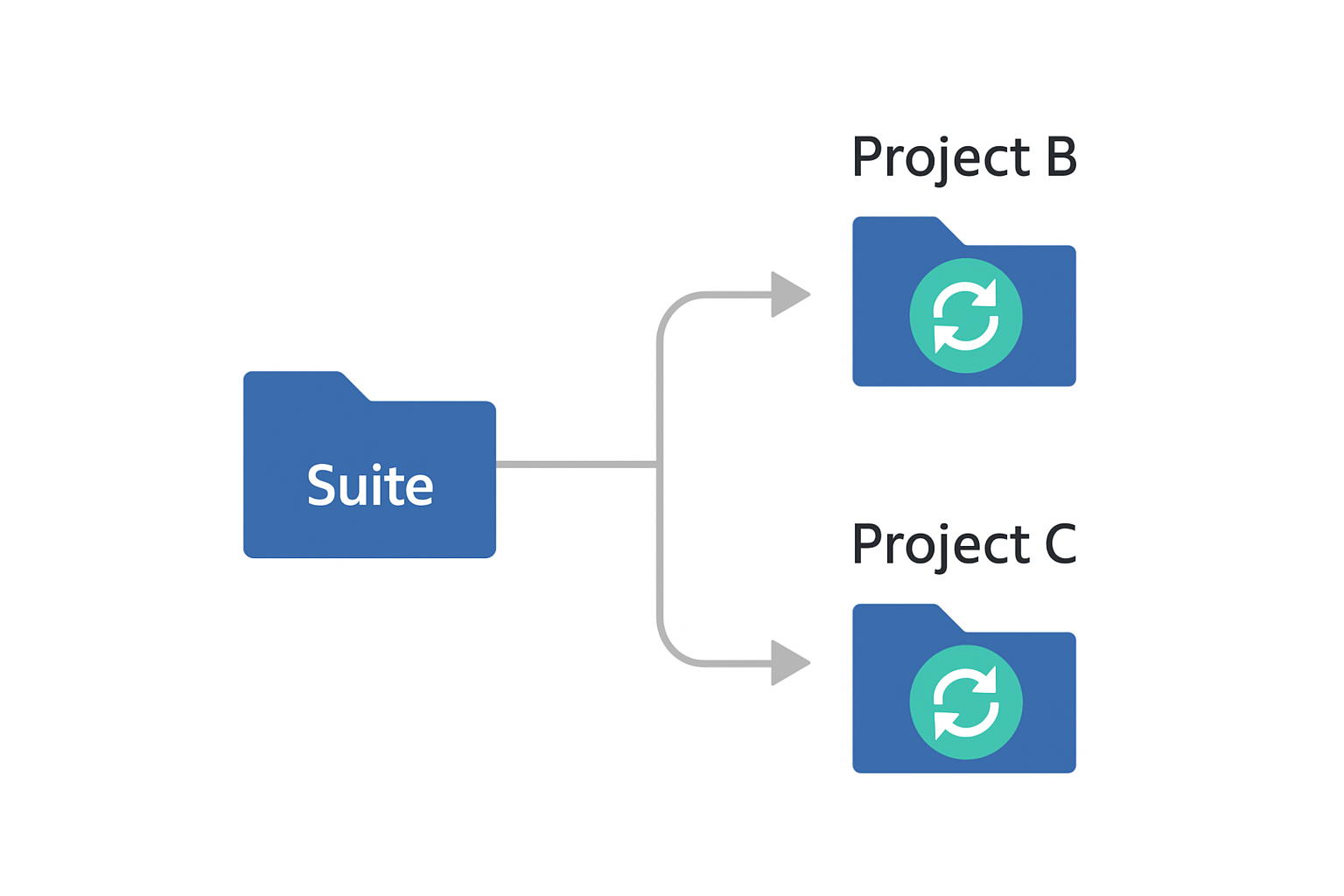
Reusable suites
Package suites once and reference them across projects. Update the source and every instance stays synced.
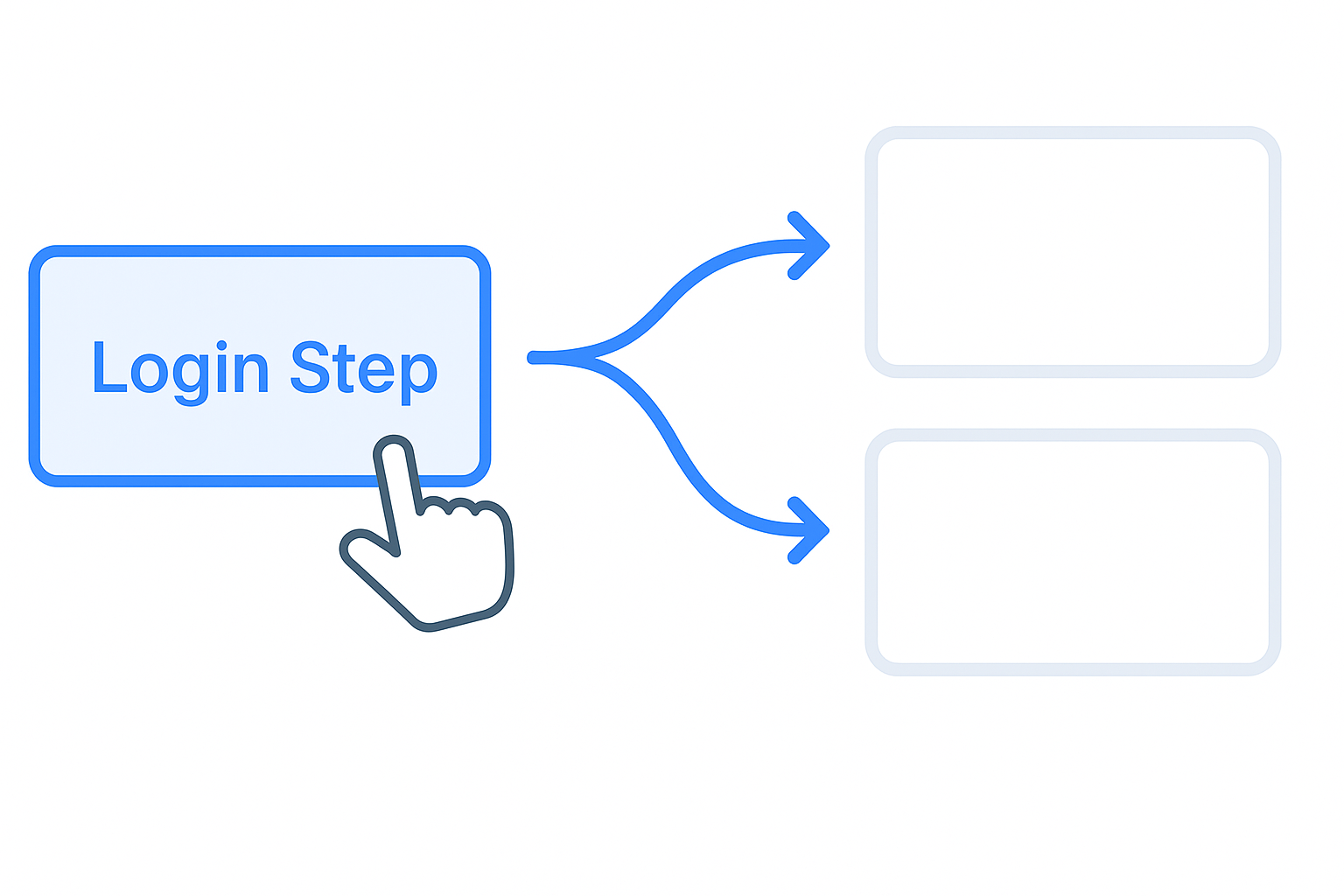
Shared steps
Maintain common steps in one place and reuse across cases.
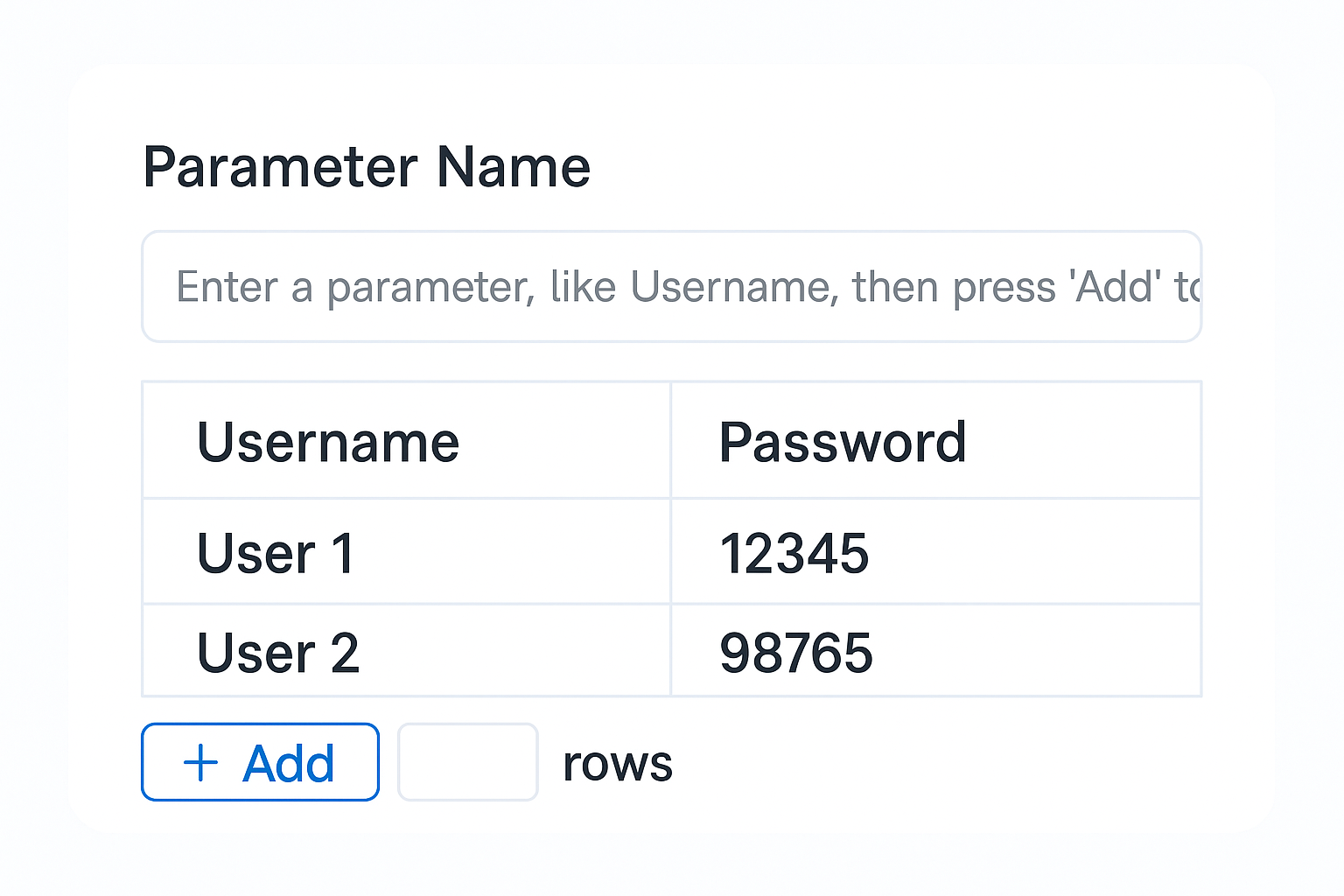
Reusable datasets
Define structured data tables once and apply them across suites or cases without copy-paste.
Collaboration
Review, trace, and file issues
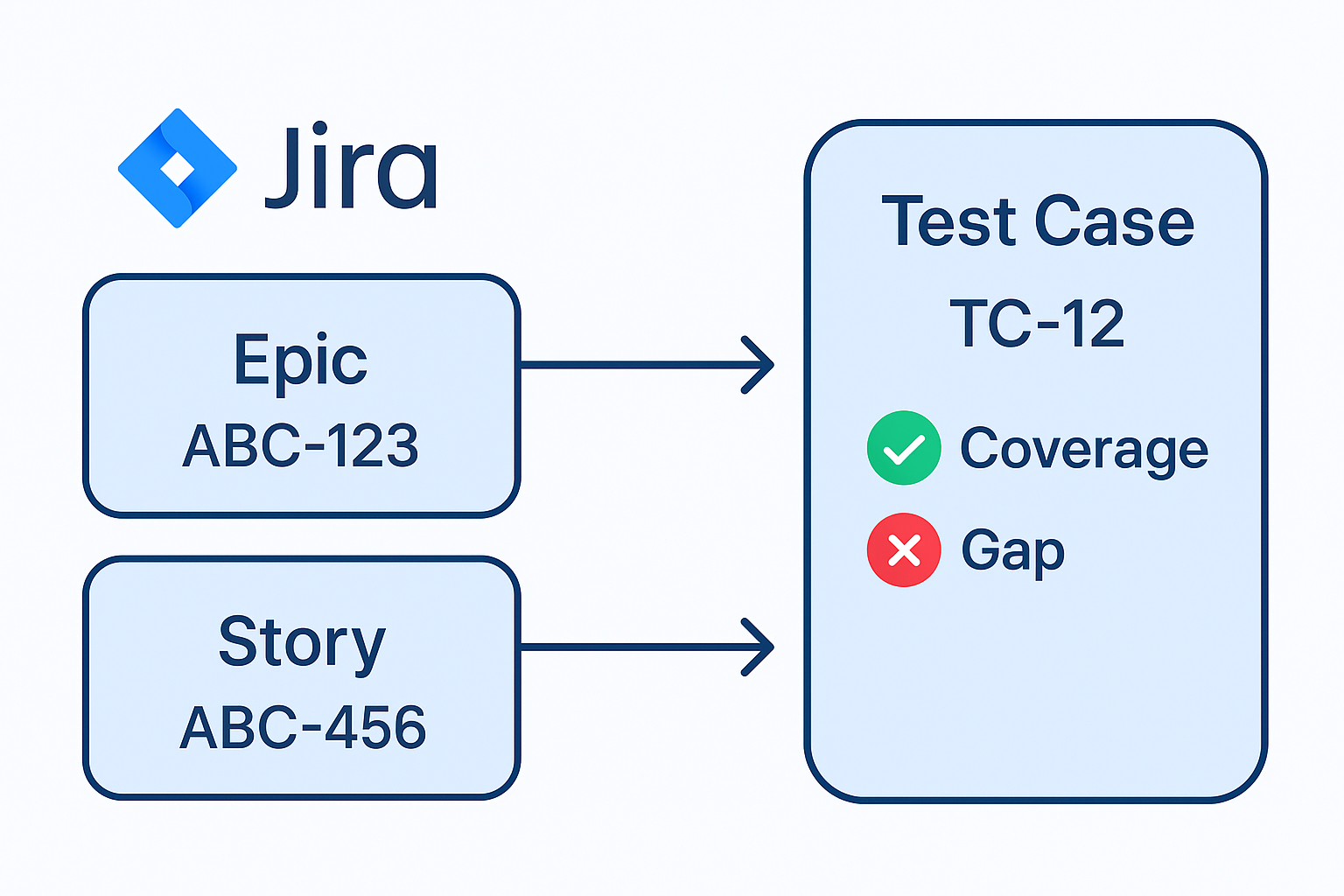
Jira traceability
Link Epics and Stories to cases and see bidirectional coverage.
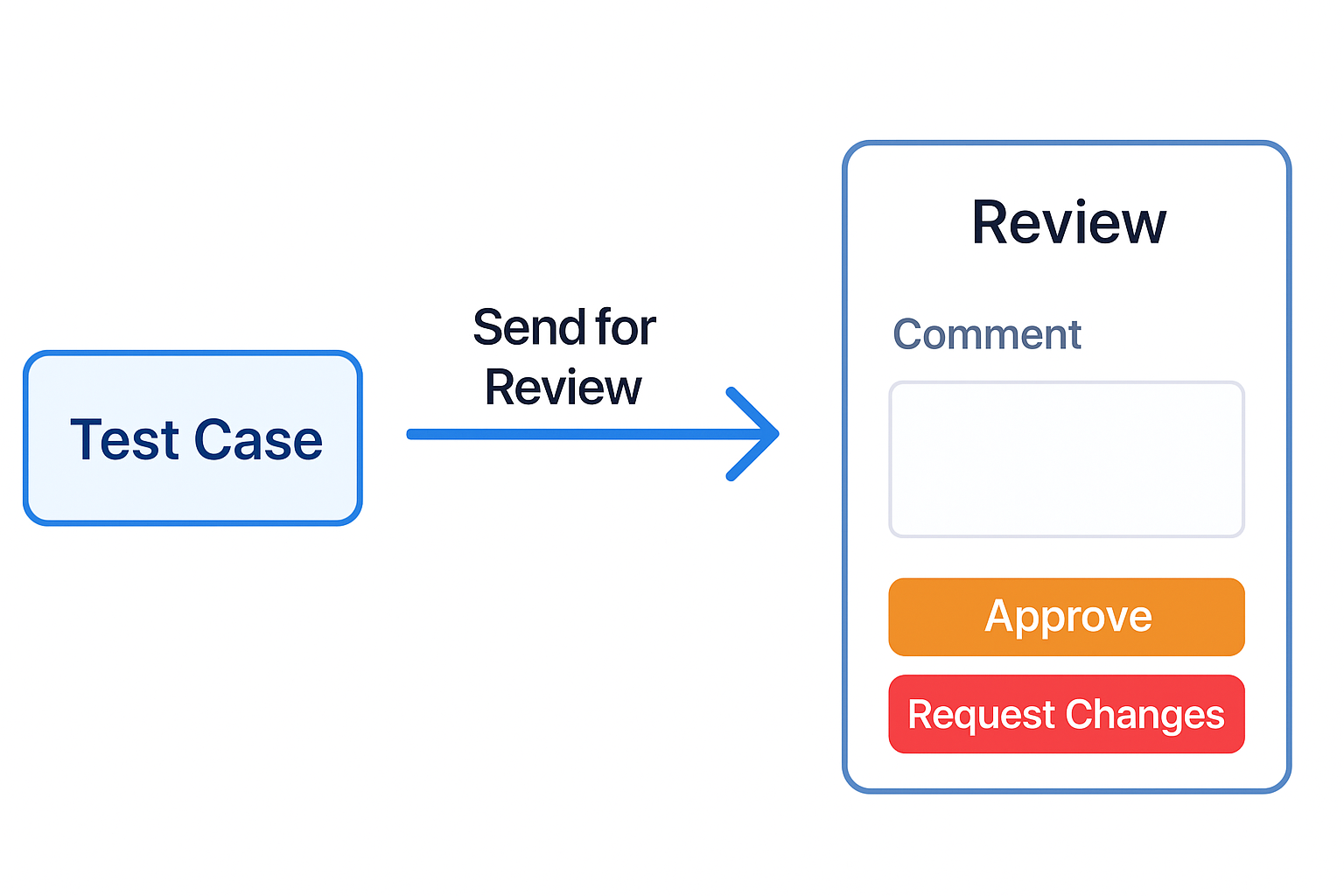
Test review & approvals
Route test case updates through reviewers, capture decisions, and keep regulated QA teams compliant.
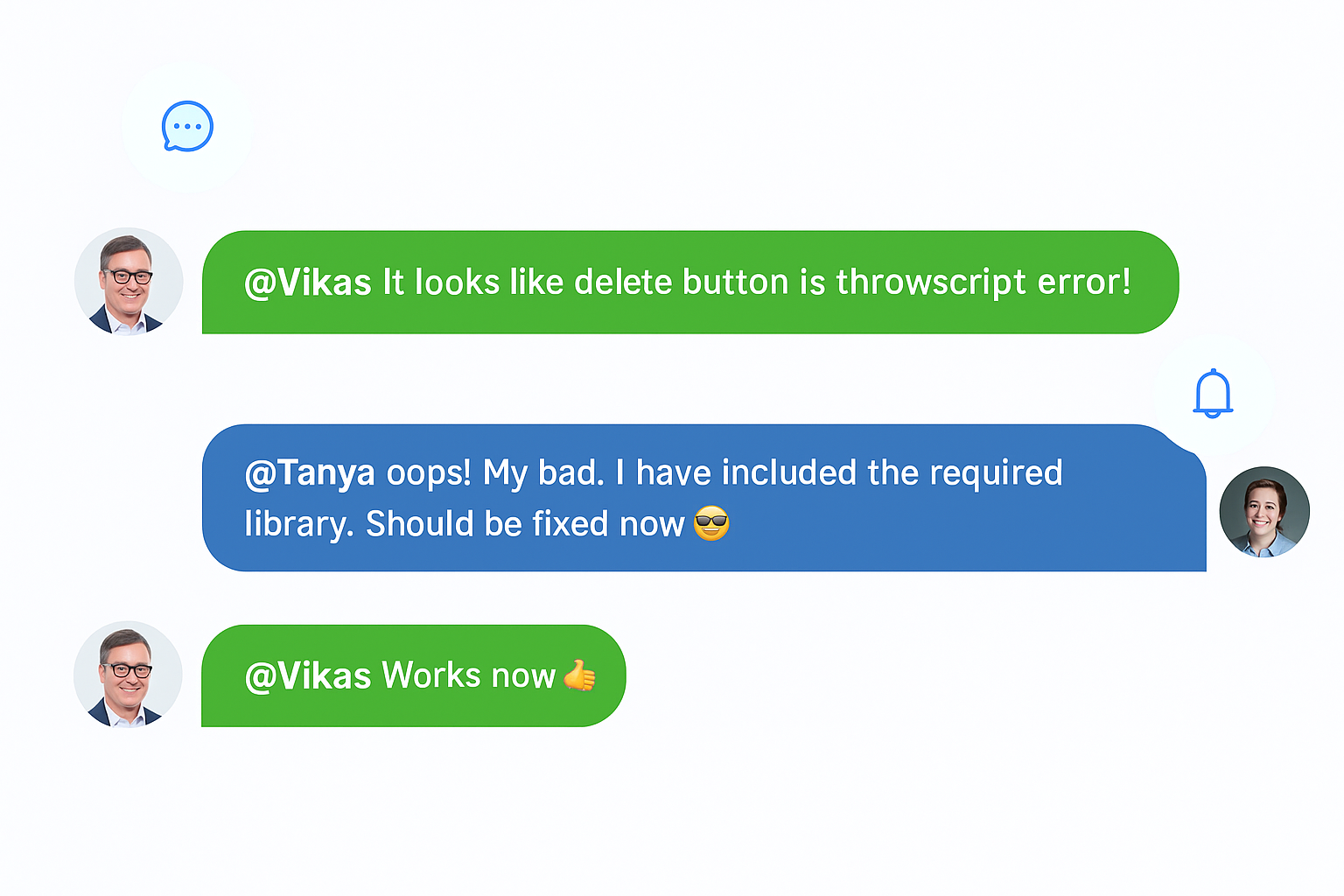
Comments and mentions
Discuss cases in context and notify teammates.
Governance
Govern changes with confidence
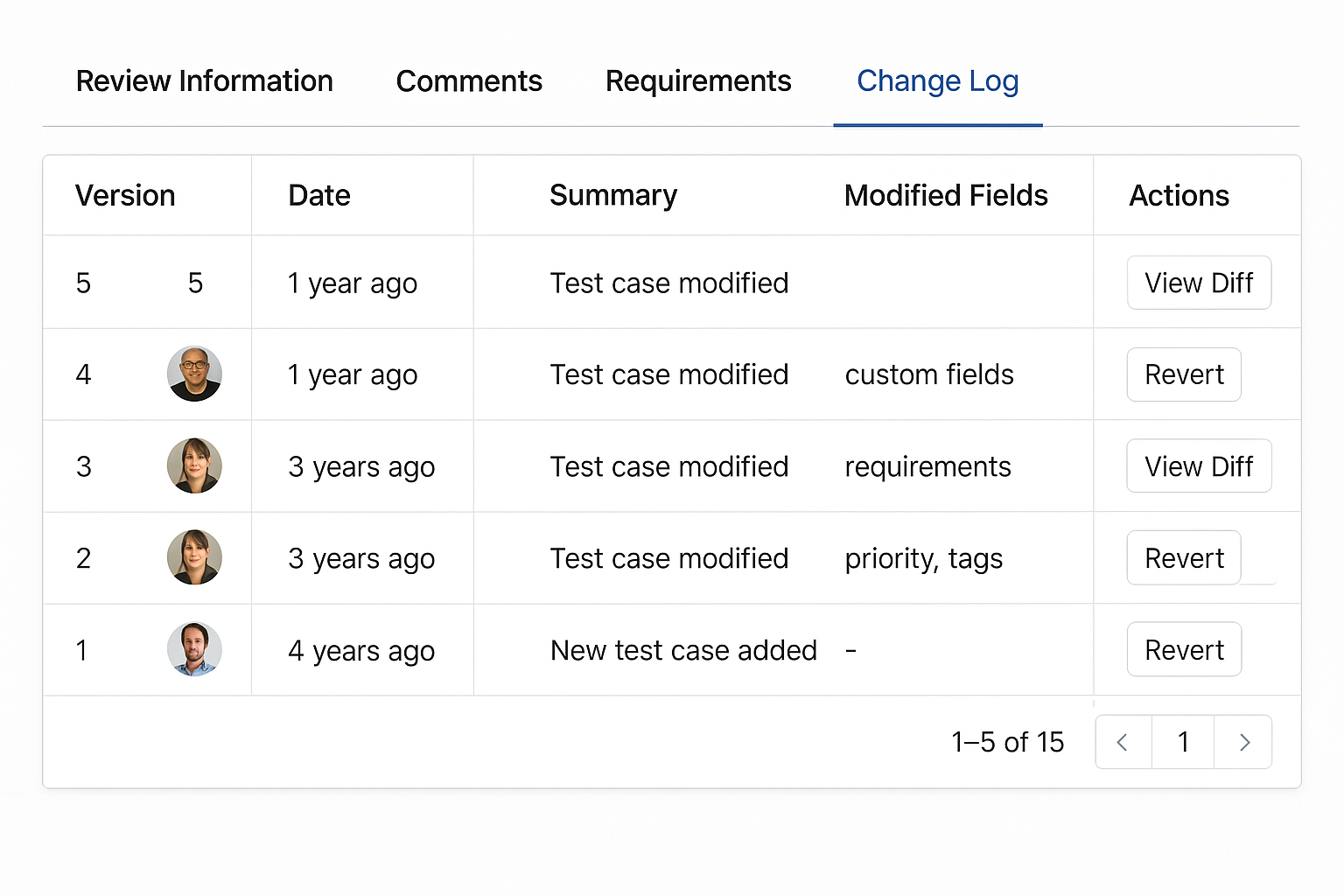
Version history
See who changed what and when. Revert if needed.
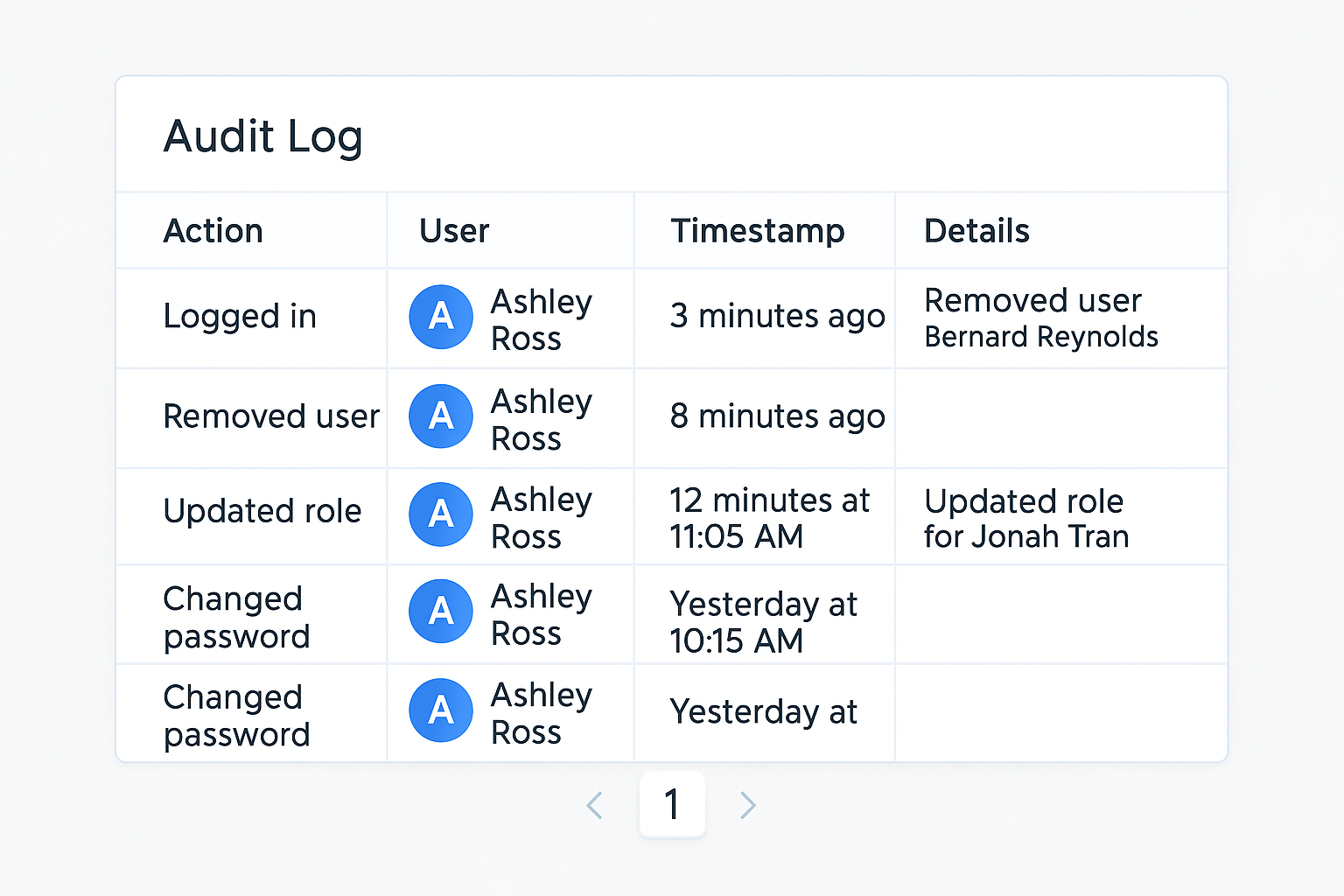
Audit log
Exportable logs for change control and audits.
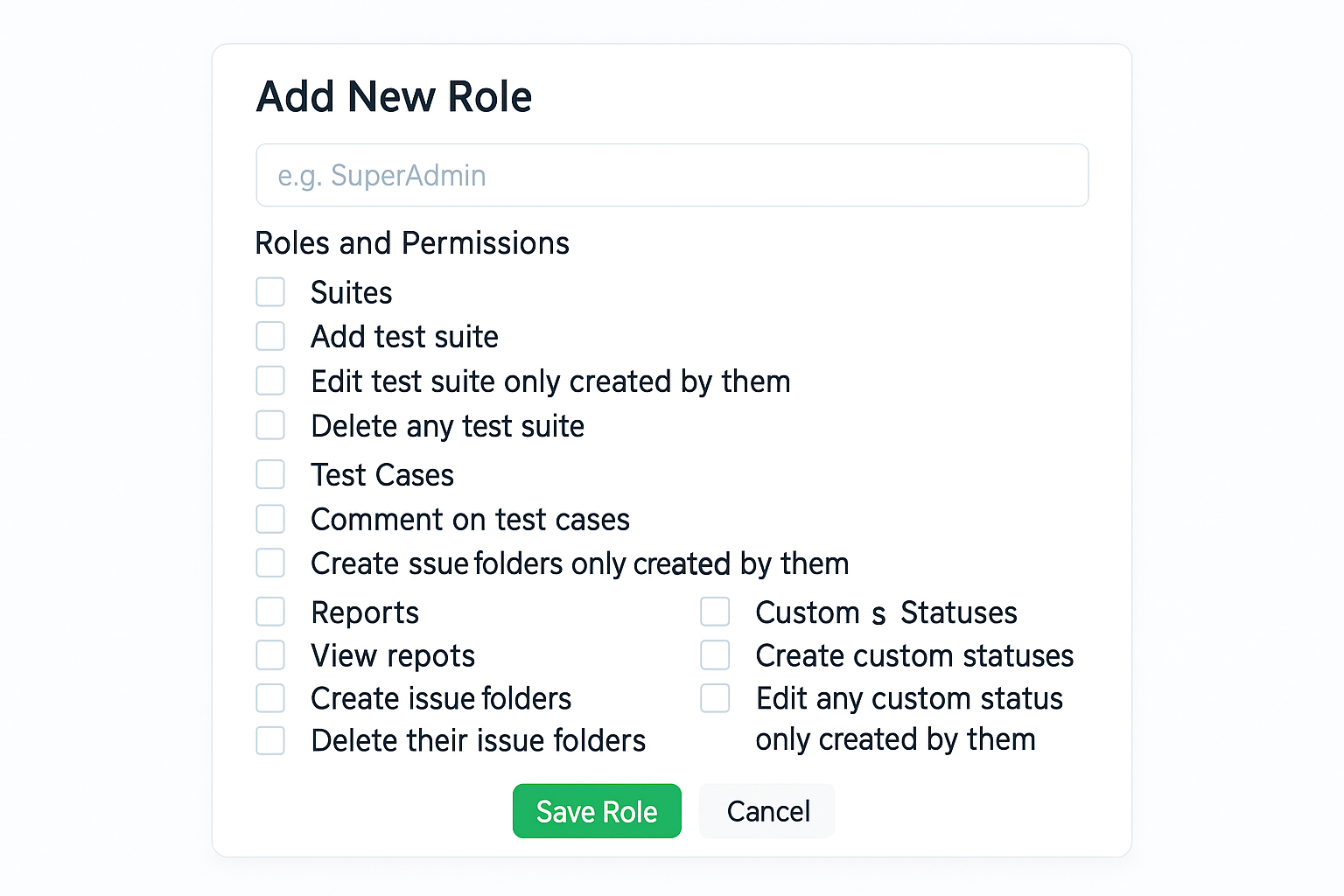
Roles and permissions
Granular roles including read-only reviewers.
Import and export
Switch from TestRail or qTest
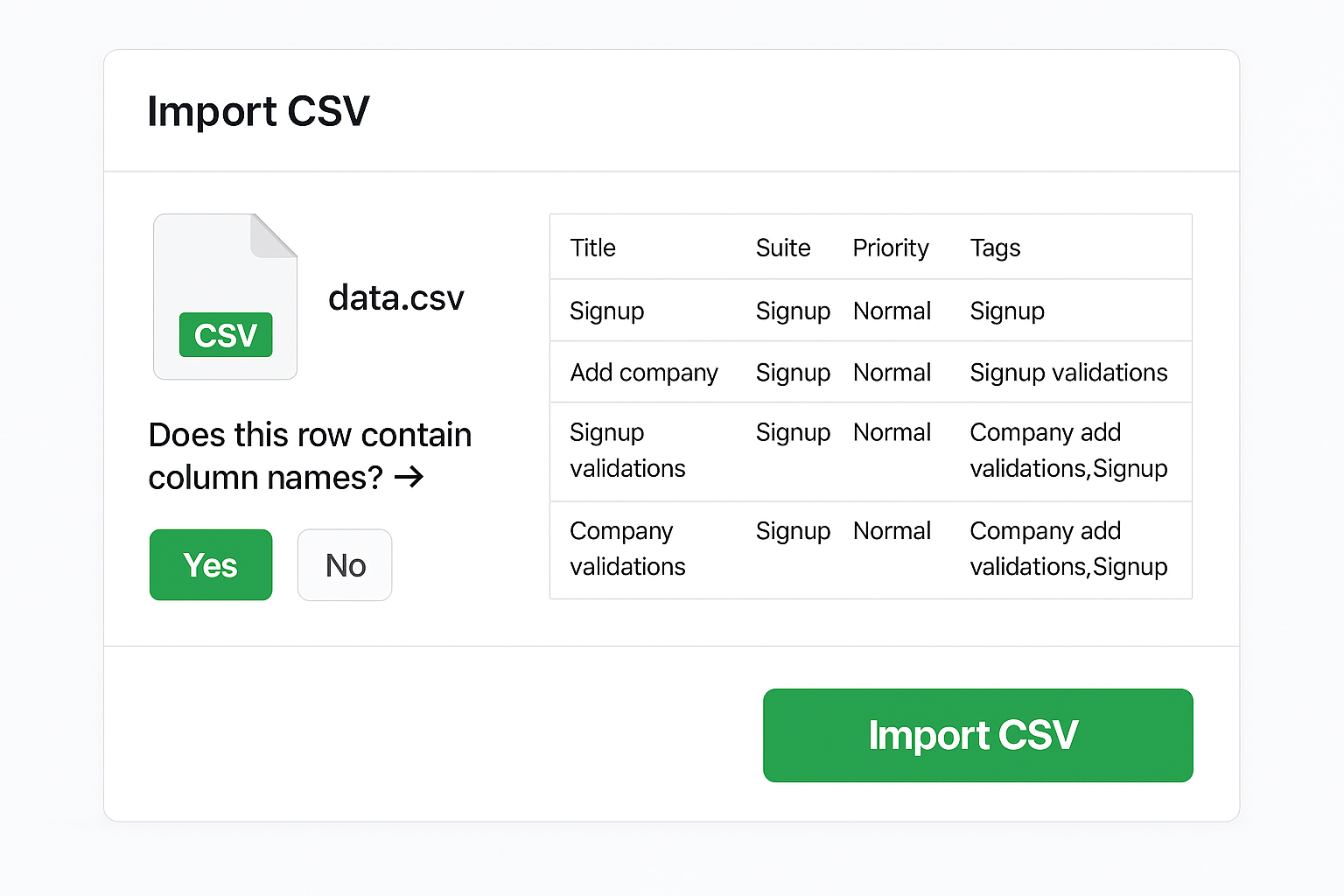
Migrate from TestRail & qTest
CSV and API import with guided migrations from TestRail and qTest plus progress visibility.
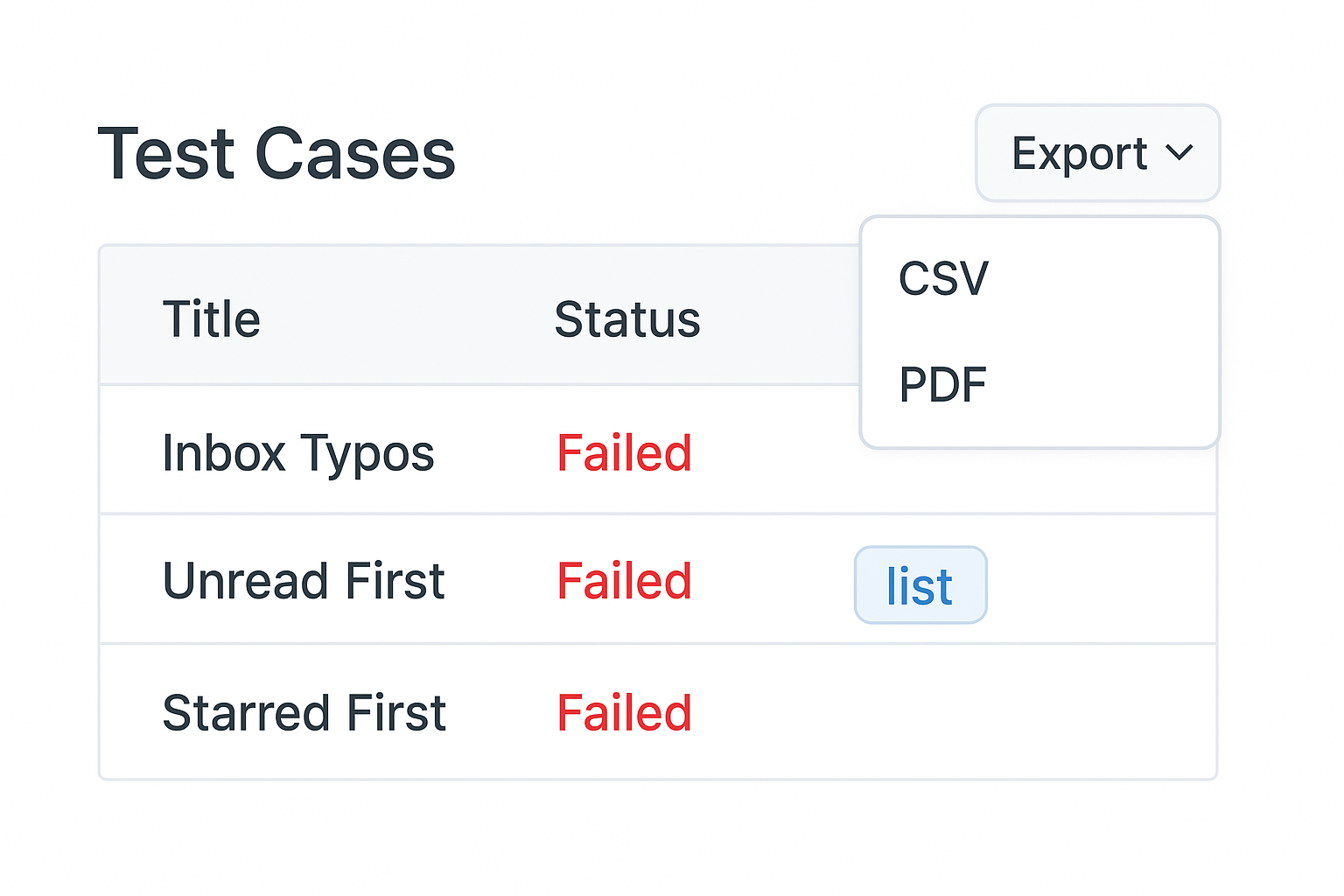
Export
CSV, PDF, and API exports keep every stakeholder aligned with up-to-date data in the format they need.
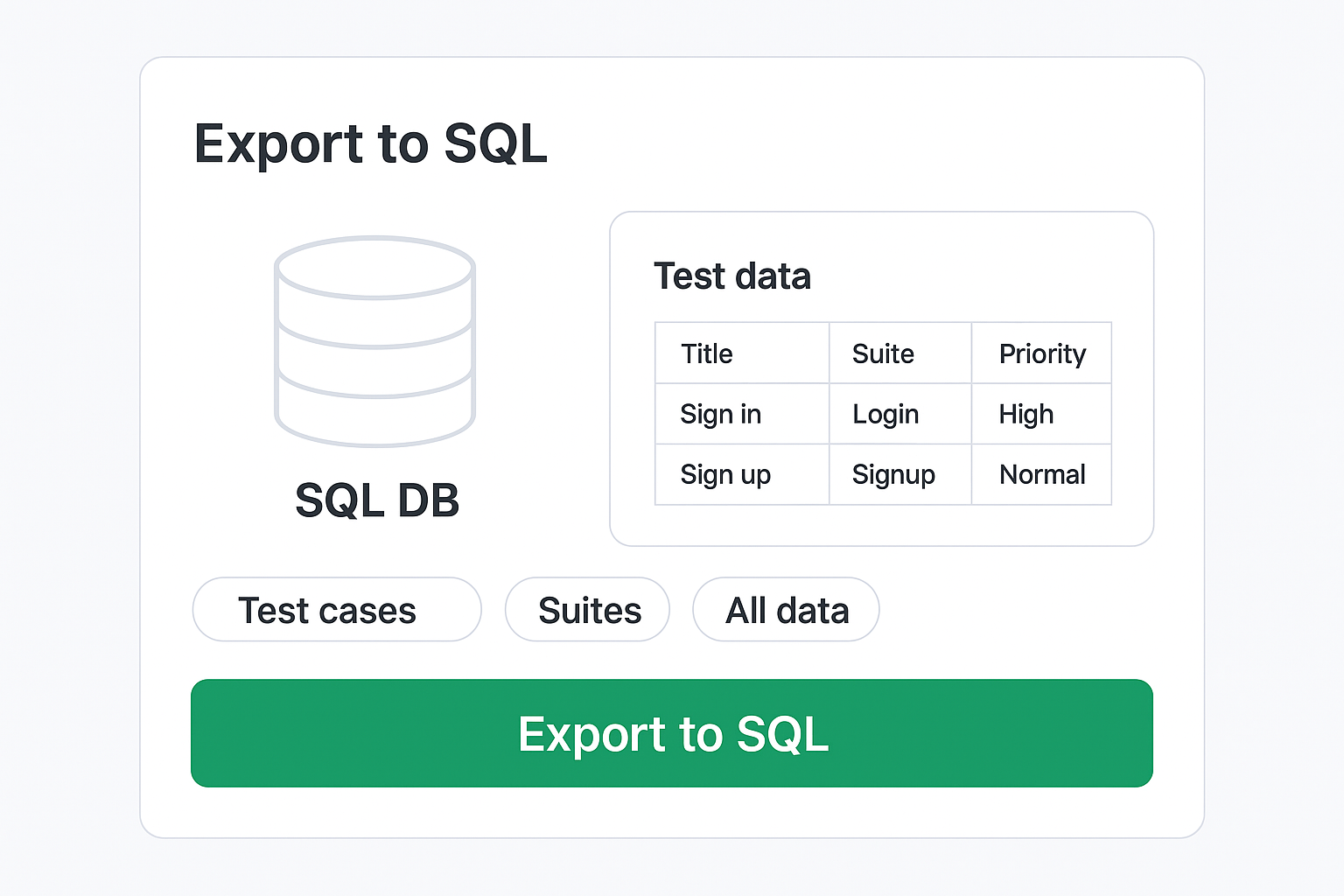
SQL data backups
Enterprise plan option to receive scheduled SQL dumps so you always have a full offline backup.
FAQ
Answers teams look for
What is a test management tool?
A test management tool centralizes test plans, cases, runs, traceability, and reporting so QA teams can move faster than scattered spreadsheets. TestCollab is a software test management tool used in software testing to keep everything connected - from requirements to defects. Learn about effective testing strategies to get the most from your tool.
Is there a free test management tool option?
Yes. TestCollab offers a free trial with full access to every feature - no credit card required. Try it as a free test case management tool and validate your workflows before upgrading.
How does TestCollab compare with other test management tools?
TestCollab combines fast test case authoring, reusable suites and shared steps, real-time Jira traceability, and a live release dashboard in one tool, so cases, plans, and defects stay connected across sprints. For a side-by-side view with pricing, see our comparison of the 10 best test management tools.
Do you support parameterized tests?
Yes. Define parameter sets (datasets) and run a single test case across all variations without cloning. Each dataset run is tracked separately, so you see which data combinations pass or fail.
Can I require approvals before changes go live?
Yes. Enable approvals for selected projects to force changes through a review workflow. Changes need at least one approval before they become active - a key governance feature in any QA test case management tool.