
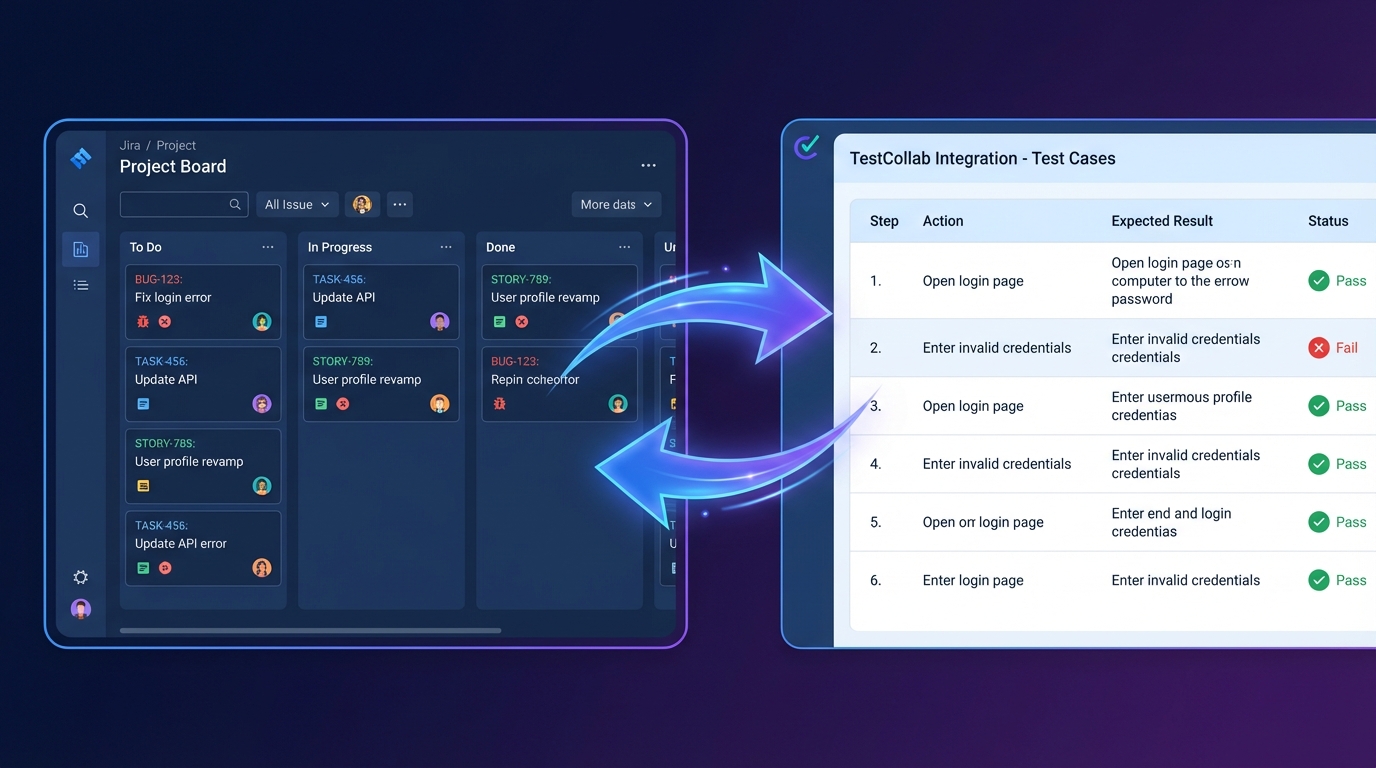
We've just released version 2.0 of our Jira Marketplace app - completely rebuilt on Atlassian's Forge platform. If you've been looking for a way to handle jira test case management without constantly switching between tools, this is for you.
Why We Rebuilt on Forge
Our original Jira integration relied on Connect (iframe-based architecture). It worked, but it came with limitations - slower load times, sandboxed UI, and a heavier security footprint. Atlassian's Forge platform changes the game. Forge apps run natively inside Jira's infrastructure, which means:
- Faster load times - No more waiting for external iframes to render. The UI loads as part of Jira itself.
- Better security - Your data stays within Atlassian's ecosystem. Forge apps run in a sandboxed environment managed by Atlassian, with strict permission scoping.
- Native look and feel - The app uses Atlassian's own design system, so it feels like a natural extension of Jira rather than an embedded widget.
What You Can Do Inside Jira
The Forge app brings core test management capabilities directly into your Jira workflow. No new tabs, no separate logins.
Test Cases on Every Issue
Open any Jira issue and you'll see a TestCollab panel showing linked test cases. From here you can:
- View all test cases linked to the issue
- Add new test cases or link existing ones
- Open the full test case detail in a modal - steps, expected results, attachments, version history
- Edit test cases inline without leaving the issue
You can configure whether the panel appears in the issue sidebar or the activity tab - whichever fits your team's workflow.
Test Plans and Execution
Create and manage test plans directly from Jira. Select test cases, assign testers, and track execution progress. When a test fails, push a defect back to Jira with one click - the link between the test execution and the new bug is maintained automatically.
Requirements Traceability
Link Jira user stories and epics as requirements in TestCollab, then generate a requirements traceability matrix that shows exactly which stories have test coverage and which don't. This is especially useful for teams working toward compliance or audit readiness.
Project-Level Dashboard
Each Jira project gets a dedicated TestCollab page showing test suites, recent executions, and coverage metrics. Project admins can configure the TestCollab connection from the project settings page without needing Jira admin access.
Global Administration
Jira admins can manage the TestCollab connection, configure default settings, and control which projects have the integration enabled - all from a single admin page within Jira.
Free to Use
The Forge app is free on the Atlassian Marketplace. You'll need a TestCollab account (free trial available) to connect your test data.
Getting Started
- Install the app from the Atlassian Marketplace
- Go to Jira Settings > Apps > TestCollab Admin to connect your TestCollab instance
- Navigate to any project's TestCollab Settings page to link the Jira project with a TestCollab project
- Open any issue to start linking and managing test cases
If you're already using TestCollab's Jira integration, the upgrade to the Forge app is seamless - your existing project links and test case associations carry over.
We'd love your feedback. If you run into issues or have feature requests, reach out to us at support@testcollab.com or through our in-app chat. For a full overview of everything the integration can do, check out the Jira integration page.