

Not everyone who needs to know about testing progress should need a paid seat in your test management tool. Project managers, clients, compliance officers, and delivery leads often just need a heads-up when a test plan finishes, falls behind, or is approaching its deadline.
Until now, sharing that information meant either buying extra licenses or manually forwarding updates. Both options cost time or money.
What's new
You can now configure up to 10 external email addresses per project to receive automatic test plan status notifications. These recipients get emailed when a test plan:
- Finishes execution
- Is delayed past its end date
- Approaches its deadline (configurable warning period)
Each email includes a summary of the plan's status along with a public link so stakeholders can drill into the details if they want to.
How to set it up
Head to Settings in any project. You'll find the new External Email Recipients field at the bottom of the page.
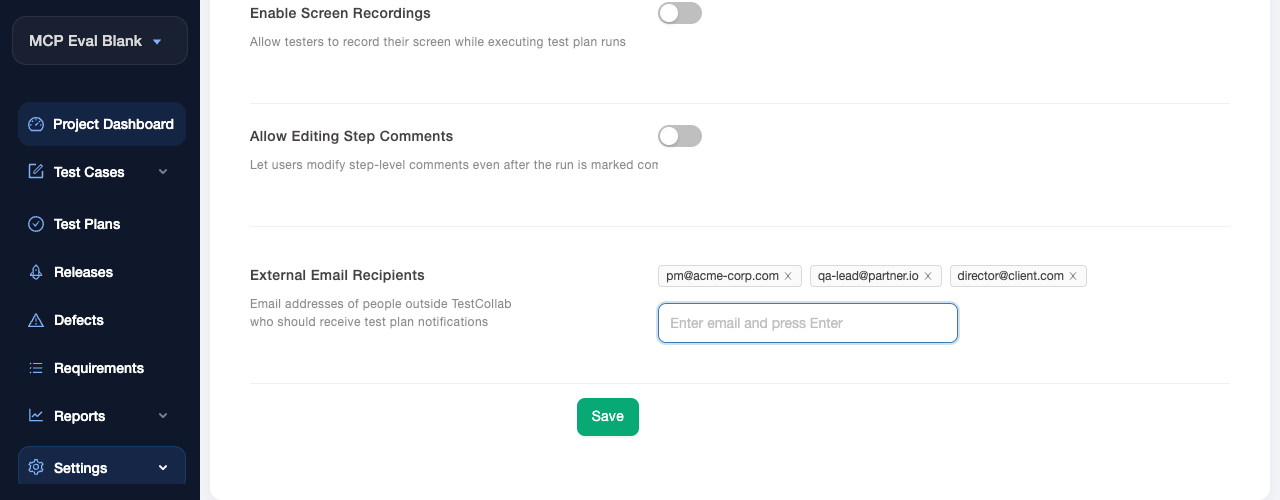
Type an email address, press Enter to add it as a tag, and repeat for up to 10 recipients. Hit Save and you're done. No invitations, no account creation, no license allocation.
Why this matters for your budget
Most test management tools charge per seat - and there's no way around it if someone needs visibility into testing. A project manager checking on release readiness? That's a seat. A client who wants weekly status? Another seat. An auditor who reviews once a quarter? Yet another seat.
With external email notifications, those stakeholders stay informed automatically without consuming a license. For a team running 3-4 projects with external visibility needs, that could mean 5-10 fewer seats at $29+/user/month.
Who it's for
- Project managers and delivery leads who track release timelines
- Clients and external partners who need status without tool access
- Compliance and audit teams who review testing milestones periodically
- Executives who want high-level progress without logging in
Also new: ClickUp as a bug tracker
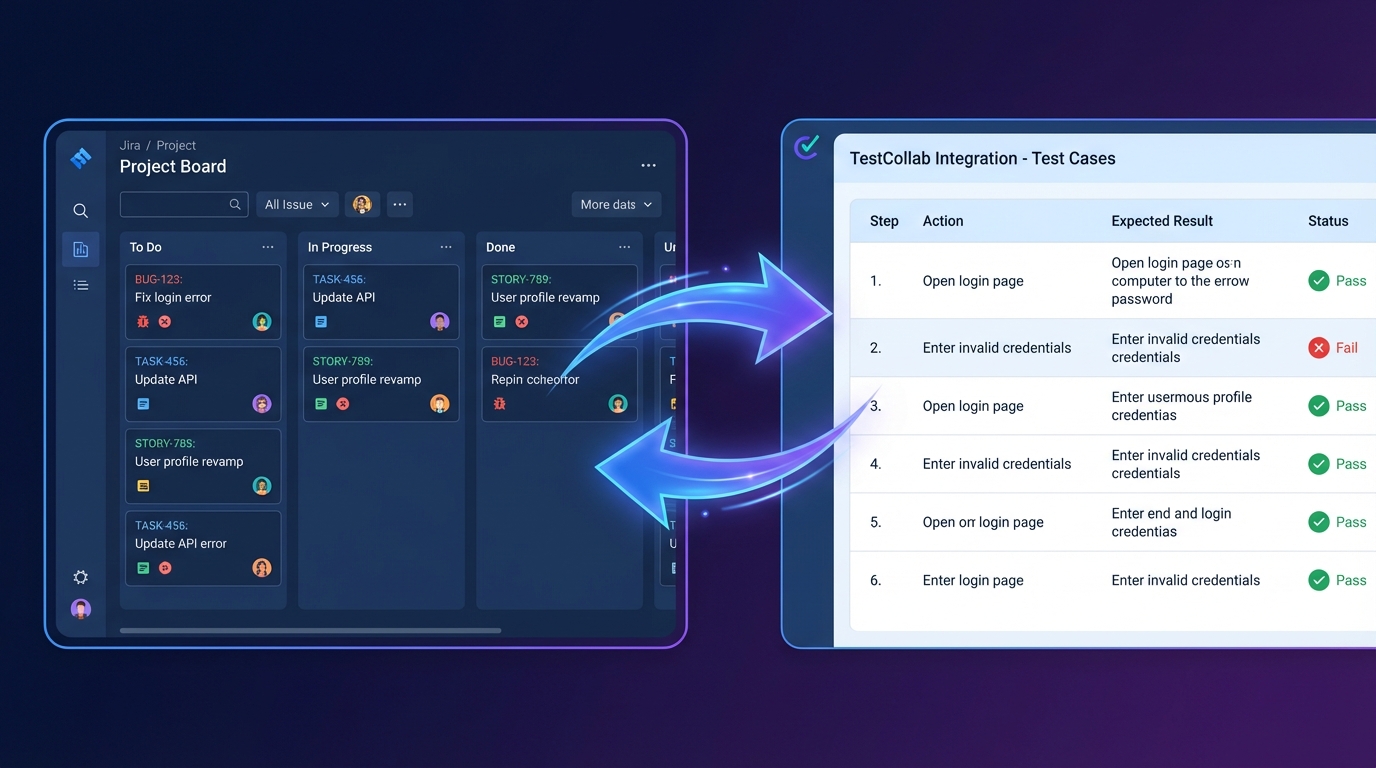
In the same release, ClickUp is now available as a bug tracker integration. If your team manages work in ClickUp, you can file defects directly from failed test executions - just like you already can with Jira, GitLab, Azure DevOps, and GitHub. Head to your project's integration settings to connect your ClickUp workspace.
Get started
External email notifications and the ClickUp integration are available now on all plans. Open any project's Settings page to start adding external recipients or connect ClickUp.
Start free trial if you're not on TestCollab yet, or reach out if you have questions.