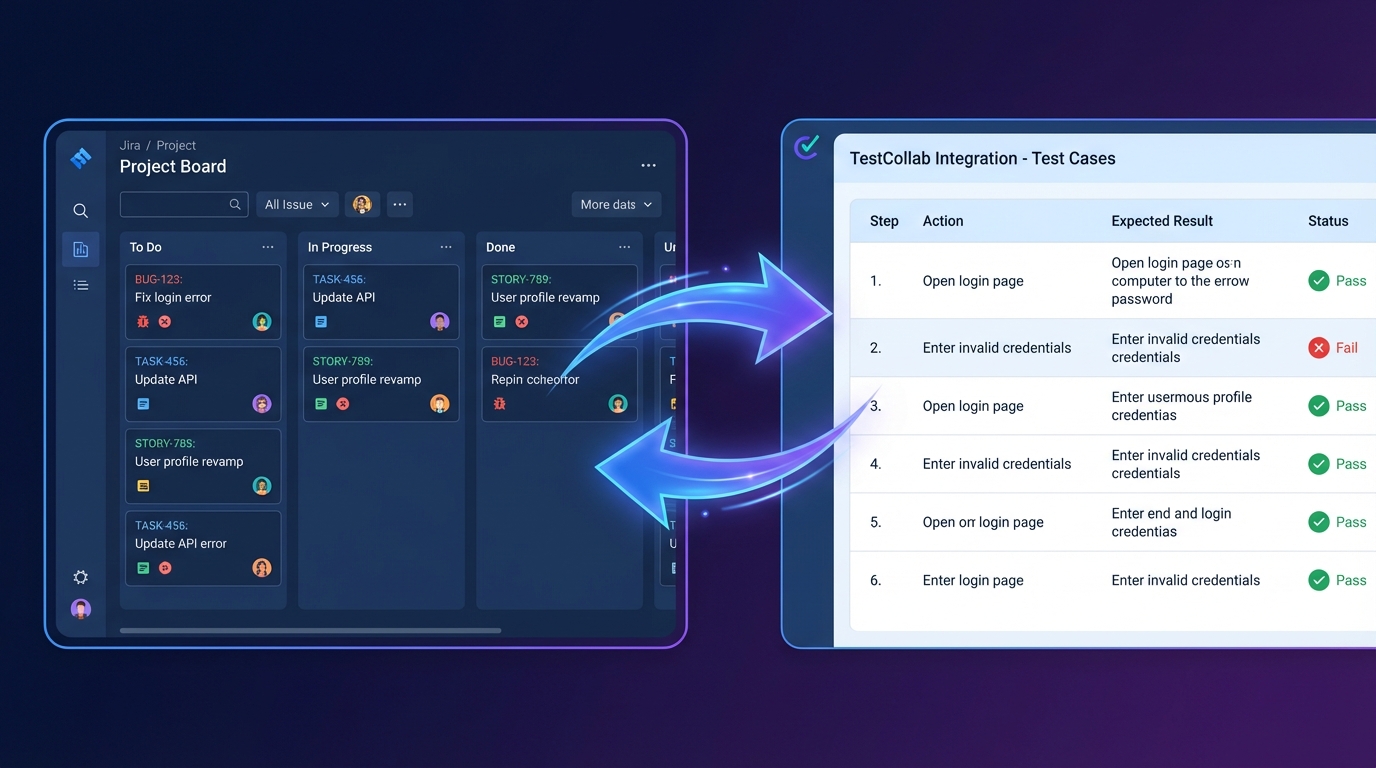

We're excited to announce the launch of TestCollab MCP Server - a new way to manage your test cases directly from your AI coding assistant. Whether you're using Claude, Cursor, Windsurf, or any other MCP-compatible client, you can now create, update, and organize test cases without ever leaving your development environment.
What is MCP?
Model Context Protocol (MCP) is an open standard that creates secure, two-way connections between AI assistants and external data sources. Think of it as a universal adapter that lets your AI tools talk directly to the services you use every day. Instead of copying and pasting information between apps, MCP enables seamless integration - your AI assistant becomes aware of your actual project data and can take meaningful actions on your behalf.
Why We Built This
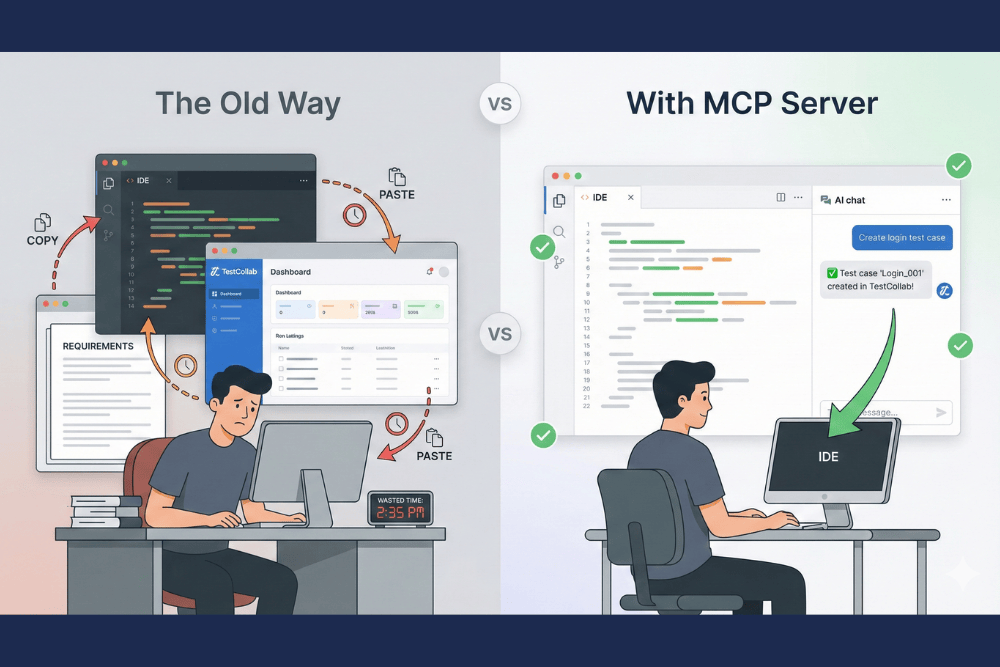
QA teams and developers have long struggled with a disconnect between coding and testing workflows. You write code in your IDE, but managing test cases requires switching to a completely different tool. Test documentation gets stale because updating it means context-switching away from the code you're actually working on.
We built TestCollab MCP Server to bridge this gap. Now, when you're working with an AI assistant on a new feature, you can simultaneously create or update the corresponding test cases. When you fix a bug, you can verify and update related test documentation in the same conversation. Your testing workflow finally lives where your development workflow lives.
What You Can Do
The TestCollab MCP Server exposes your test case library to any MCP-compatible AI client. This means you can ask your AI assistant to:
- Create new test cases based on requirements you're discussing
- Search for existing tests related to a feature you're modifying
- Update test steps when implementation details change
- Organize tests into folders and set priorities
- Review test coverage for specific areas of your application
All of this happens conversationally, in natural language, without navigating menus or filling out forms.

Getting Started
Setting up is straightforward. The MCP server runs locally via npx - there's nothing to install or host. Simply add the server configuration to your MCP client, authenticate with your TestCollab API token, and you're ready to go.
{
  "mcpServers": {
    "testcollab": {
      "command": "npx",
      "args": ["-y", "@testcollab/mcp-server"],
      "env": {
        "TC_API_TOKEN": "your-api-token",
        "TC_API_URL": "https://api.testcollab.io",
        "TC_DEFAULT_PROJECT": "16"
      }
    }
  }
}
Replace your-api-token with your TestCollab API token, update the API URL if you're using a self-hosted instance, and set your default project ID.
For detailed setup instructions and documentation, visit our GitHub repository or check out the MCP Server integration page.
Looking Ahead
This launch is just the beginning. We've since expanded the MCP server with test suite management, test plan creation, and 17 tools in total. We're continuing to work on test execution triggers, deeper integration with CI/CD pipelines, and enhanced reporting features. As the MCP ecosystem grows, we'll continue adding functionality that makes test management feel less like a chore and more like a natural extension of your development process.
We believe the future of software quality is AI-augmented - not replacing human judgment, but amplifying it. TestCollab MCP Server is our contribution to that future, and we can't wait to see what you build with it.
Ready to try it? Head over to our GitHub repository to get started, or reach out to our team if you have questions. We'd love to hear your feedback as you explore this new way of working.