
Three things shipped in the app this fortnight, plus one for the CLI that's worth the trip on its own. In the app: defects now behave like first-class work items, requirements have a real CSV export, and the project dashboard surfaces test cases nobody has ever owned. In the CLI: a new command that hands a curated test plan to an AI coding agent so the agent can execute the cases against a running app via browser automation. Plus a few polish items at the bottom.
Defects now have comments, history, and a saner default view
Comments on issues. Every issue gets its own conversation thread, matching the comment system already on test cases and test plans. Comments support rich text and @mentions of project members. Mentioned users, the assignee, and the creator all get notified. Authors can edit or delete their own comments within five minutes; admins can moderate at any time. Issue exports include the full thread.
Reporter and activity timeline. The Edit Issue page now shows a "Reported by" label so you can see who filed an issue without leaving the screen. Below the details, an activity feed shows every change in chronological order: creation, status, priority, description, and every custom-field update including assignee. Each entry shows the actor's avatar and a plain-language summary like "Status changed from To Do to In Progress". The list lazy-loads twenty entries at a time.
Issues page now opens to "Assigned to me". Walking into the Issues grid used to mean staring at the full project backlog. It now opens pre-filtered to issues assigned to you (matched against any user-type custom field), with a clear count above the grid and a "Clear filters" link to drop into the unfiltered view. If you have no assigned issues, an empty state offers the same.
Requirements CSV Export
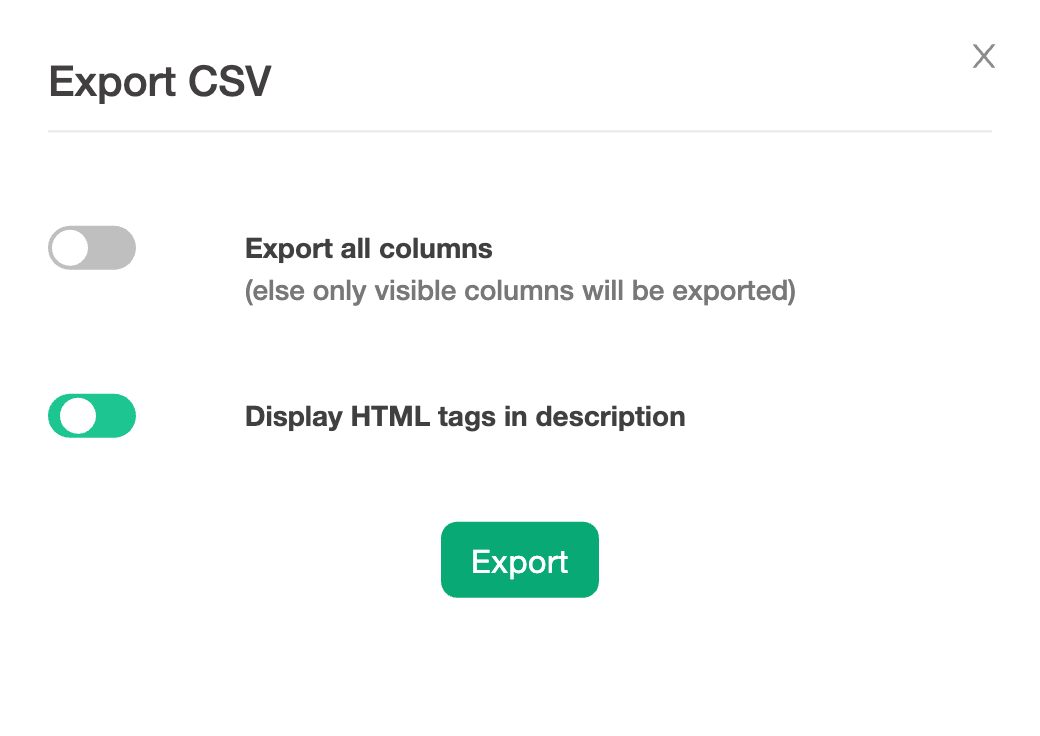
You can now export project requirements to CSV directly from the Requirements page. A new export button on the toolbar opens an Export CSV dialog where you choose between exporting only the visible columns or every column, and whether to keep HTML tags in description text.
This is the missing piece for teams who maintain a Requirements Traceability Matrix outside of TestCollab: get it out as a real spreadsheet, share it with auditors, drop it into a sign-off doc.
Test coverage gaps you can actually see
A test case that has never been assigned to anyone, through any test plan, configuration, or execution, is a strong signal of a coverage gap. The release adds a Never Assigned flag to every test case, computed from the full assignment history. The flag flips the first time anyone is assigned, and recomputes when assignments are removed (clearing an assignee, deleting a test plan or test case row), so it always reflects current state.
The project dashboard surfaces it as a new tile alongside the existing metrics, and the Test Cases manage page gets a hidden-by-default Never Assigned column you can enable from the column picker, plus a Yes/No filter:
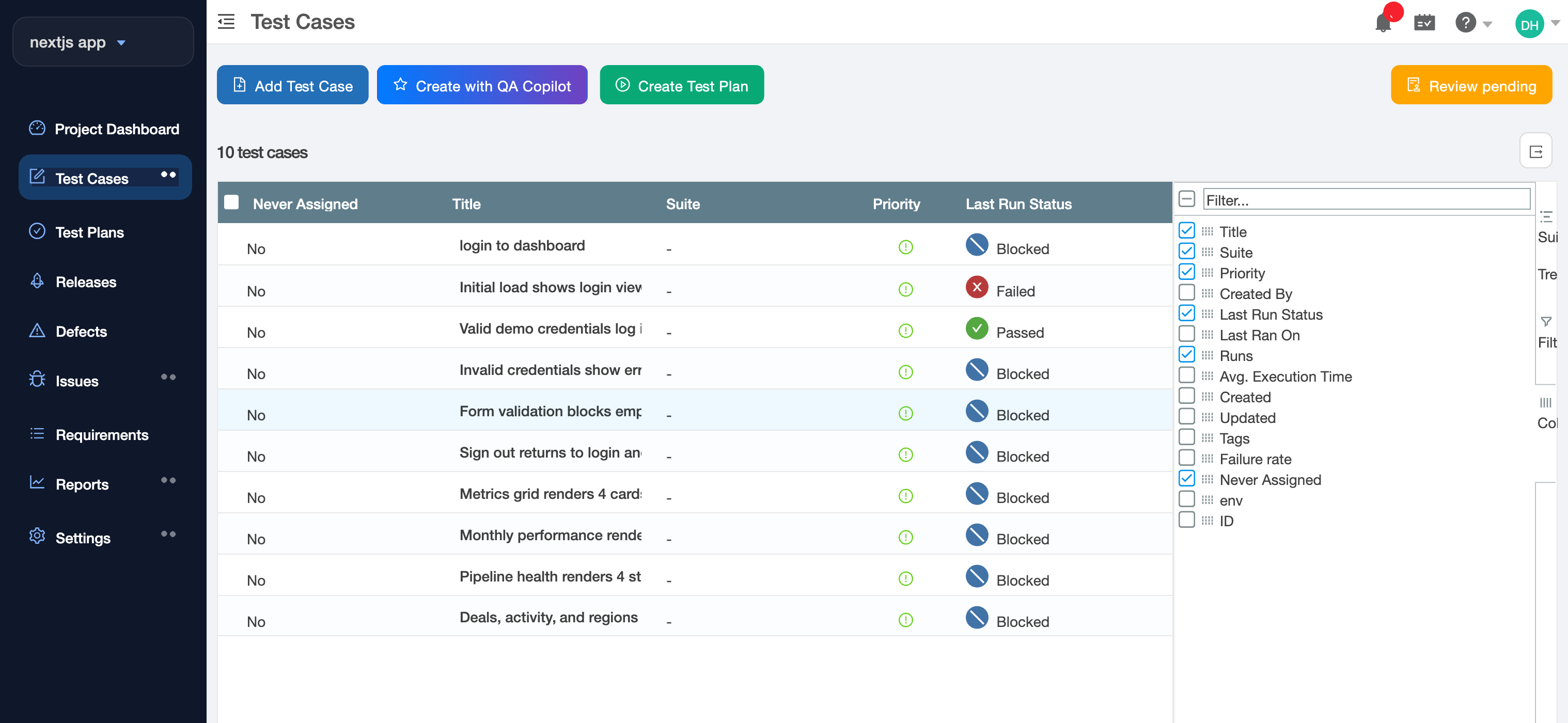
For QA leads planning a regression cycle, this is the fastest way to find the cases nobody on the team owns.
And one for the CLI: agent-driven QA via tc getTestPlan
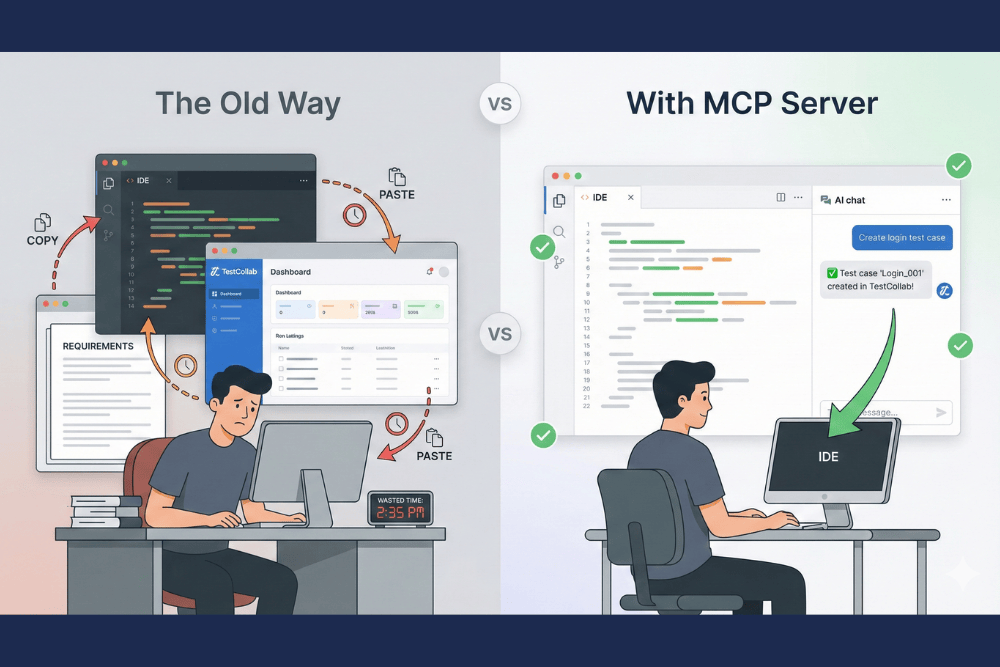
Coding agents (Claude Code, Cursor, Codex) can now drive a real browser reliably. What they were missing is a structured plan of what to test. The new tc getTestPlan command in tc-cli v1.10.0 fills that gap.
tc getTestPlan --project 16 --test-plan-id 555 --output /tmp/plan.jsonThe command returns the plan and its test cases as clean JSON: HTML stripped from steps and descriptions, statuses mapped, per-configuration results included where the plan has a Browser x OS matrix. Progress messages go to stderr so stdout stays clean for piping to jq or directly into an agent. A trimmed example:
{
  "testPlan": { "id": 555, "title": "Sprint 12 Regression", "totalCases": 15 },
  "testCases": [
    {
      "id": 42,
      "title": "Regular user cannot access admin settings",
      "priority": "high",
      "suite": "Permissions",
      "status": "unexecuted",
      "steps": [
        { "step": "Log in as testuser@example.com", "expectedResult": "Dashboard is displayed" },
        { "step": "Navigate to /admin/settings", "expectedResult": "403 page is shown" }
      ]
    }
  ]
}
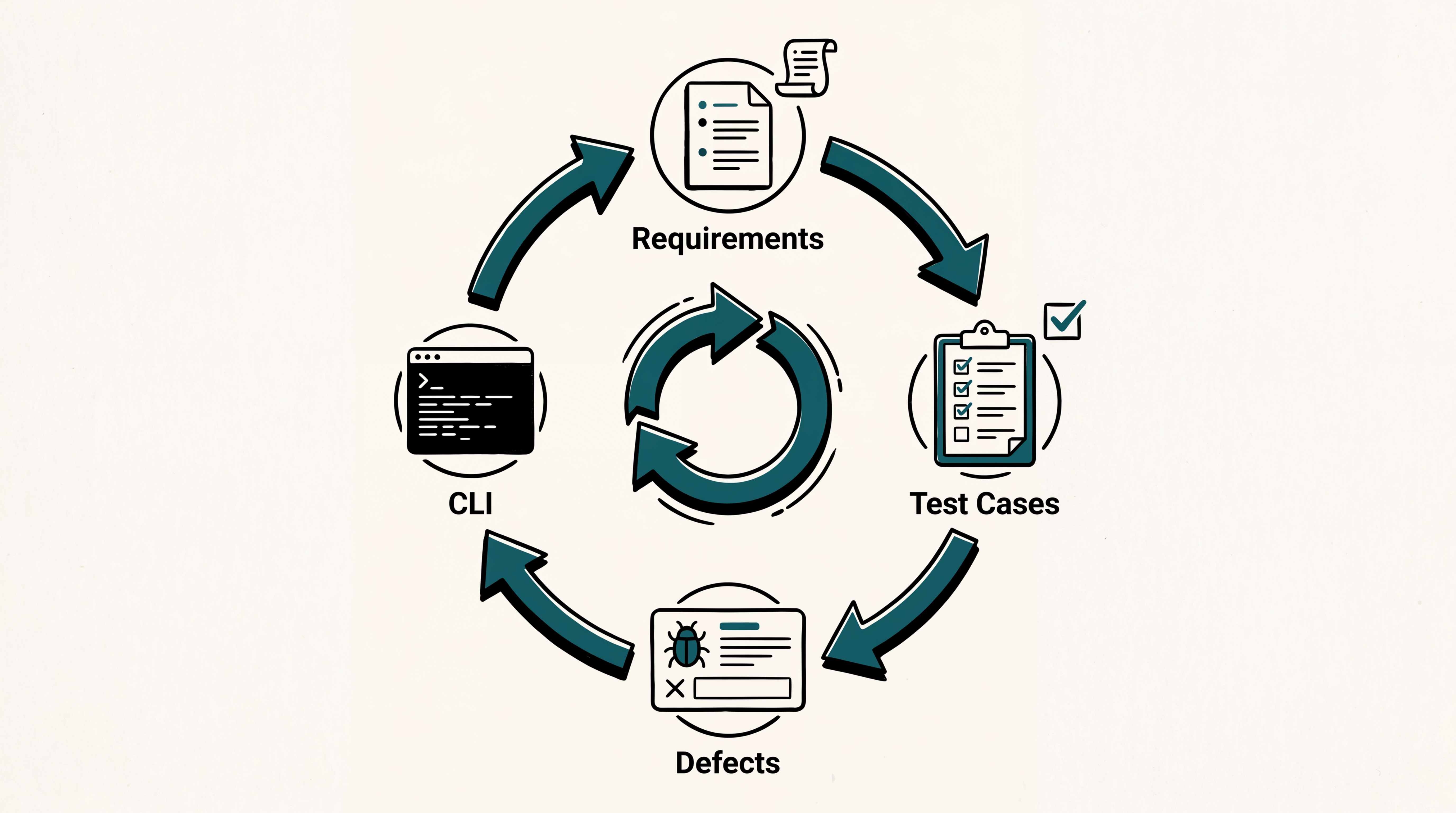
The pattern this unlocks: humans curate test plans in TestCollab using the same UI you already use, an agent reads the plan via getTestPlan, executes each case via Playwright MCP, computer use, or your tool of choice, and uploads results back via the existing tc report command. Every step is scriptable, so the loop runs in CI on a schedule, on every deploy, or on demand from a chat tool.
The full workflow with an end-to-end example is documented in the new Agentic QA Guide. This is the piece of the release we're most curious to see how teams actually use, so let us know.
Plus a handful of polish
A few smaller items worth knowing about:
- User Avatar Display Format setting: Settings > General now lets you choose how avatars are labeled across the app (Initials, Full name, F. Lastname, or Firstname L.). No more hovering to learn whose initials you're looking at.
- Consistent status colours in custom reports: Execution status colours and legend ordering are now identical across the report builder and pinned dashboard widgets. Existing reports become visually consistent on their own; no setting changes needed.
- Faster Test Plan Run page: On large plans, the page used to fire 150-200 background requests just to draw the small step-progress ring next to each row. The data is now baked into the main grid response. Same UI, much faster load.
- Storage fix for test plan executions: Resolved a silent bug where one field on every execution row was roughly doubling in size with each run, eventually reaching 16 MB per row. Fix carries forward genuine data correctly and runs a one-time cleanup. Faster, more reliable runs and less wasted database storage.
What's next
For per-entry detail on everything in this release, see the What's New page.