BDD Testing
BDD testing with Gherkin, managed from Git
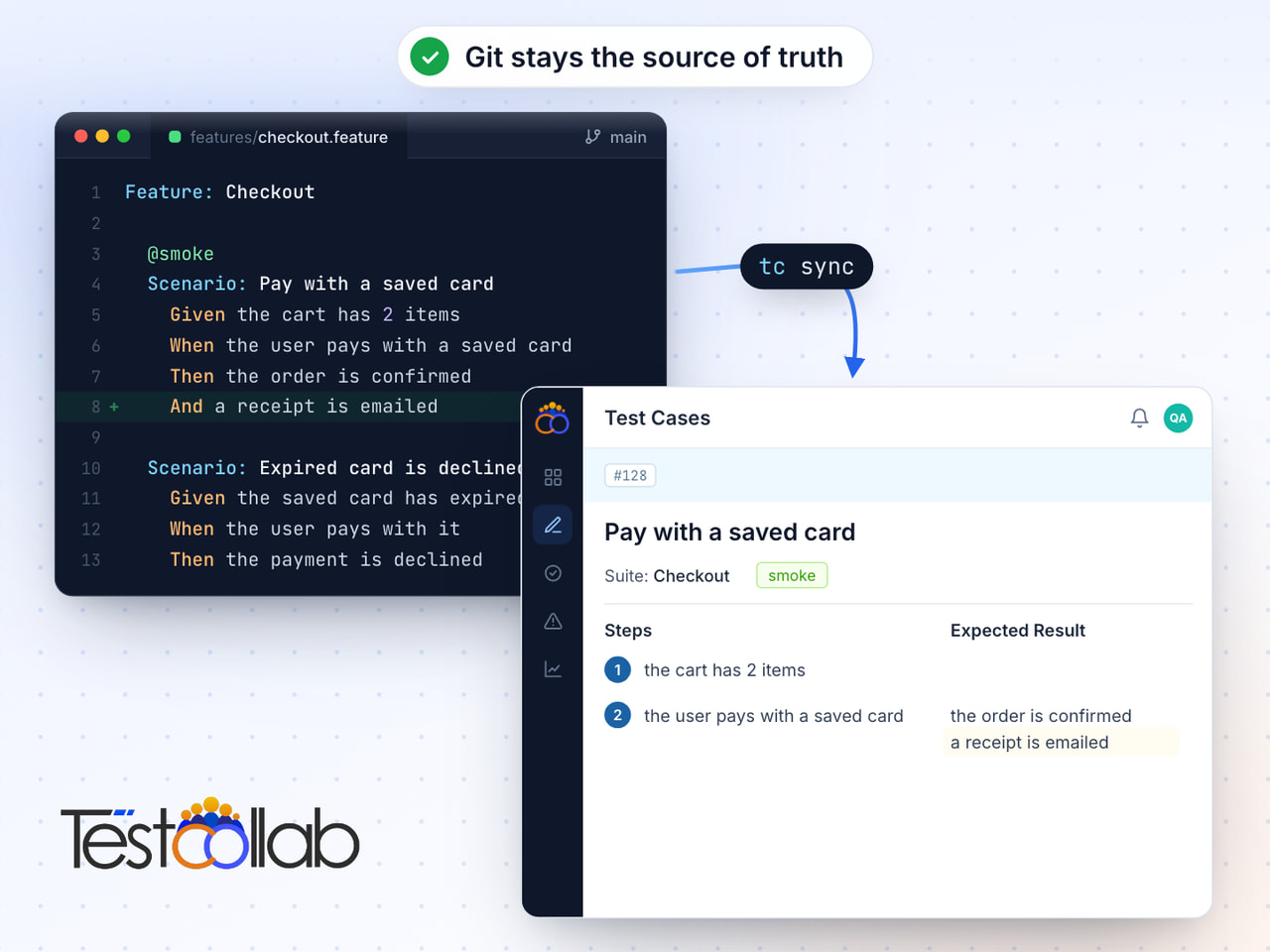
Write feature files in your IDE, sync to TestCollab with one command. Your Git repo stays the single source of truth while QA teams execute and track from the web.
No credit card required. Sync your first feature file in under 5 minutes.
Trusted by QA teams at



Key advantages
What teams get with BDD Testing
Your repo is the source of truth
Feature files stay in Git where they belong. No vendor lock-in - your entire test library is a git clone away. BDD testing without giving up ownership.
Smart Gherkin sync
SHA-256 hash-based change detection sends only modified scenarios. File renames are tracked without duplicating test cases. One command: tc sync.
Execute from the web panel
Assign scenarios to team members, track pass/fail with evidence, and link defects. BDD testing tools that bridge the gap between code and QA.
CI/CD automation built in
Add tc sync to GitHub Actions, GitLab CI, or any pipeline. Every push keeps your BDD testing framework in sync - zero manual imports.
Sync
Sync Gherkin feature files in seconds
The CLI parses your .feature files and sends only what changed. Full Gherkin support - Scenarios, Outlines, Backgrounds, and Tags.
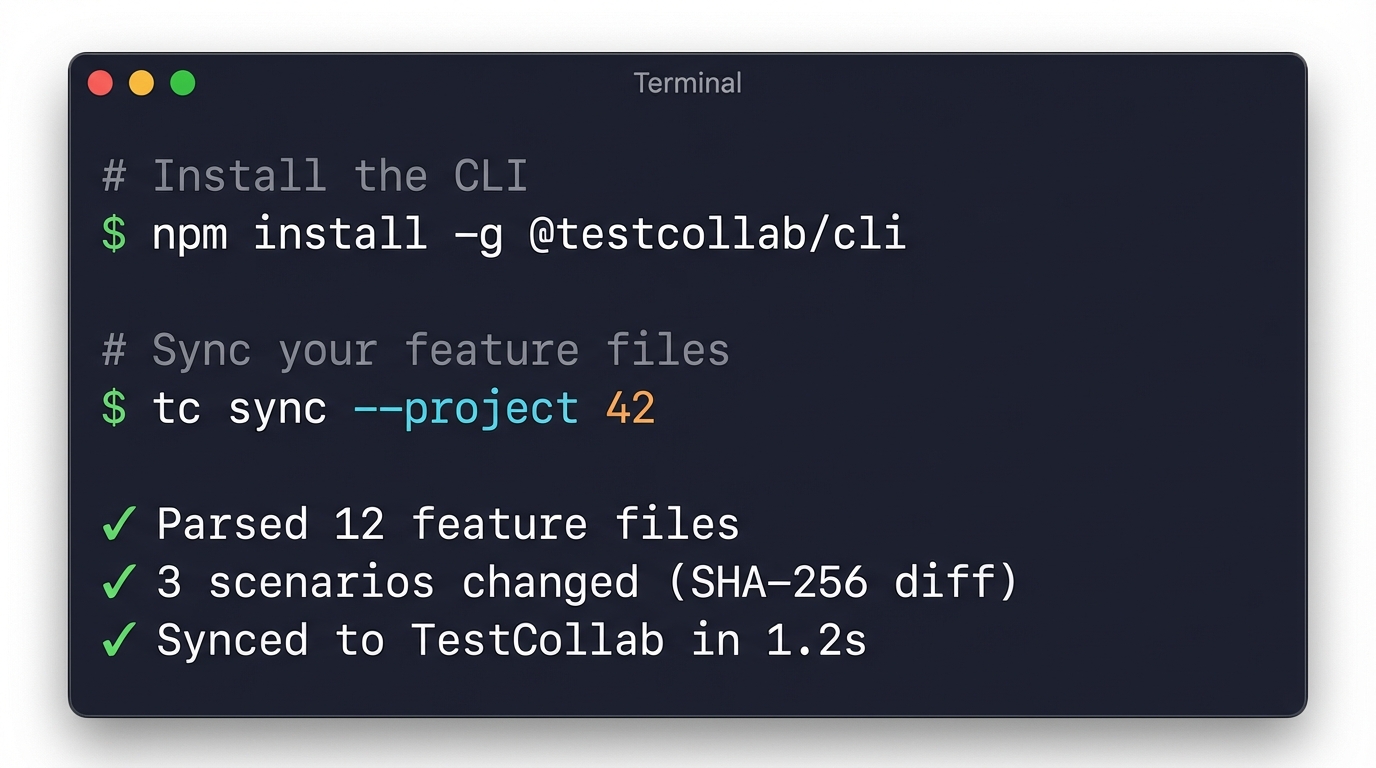
CLI-powered sync
Install the CLI and sync with a single command. Full Gherkin parsing with support for Scenario Outlines, Backgrounds, data tables, and doc strings.
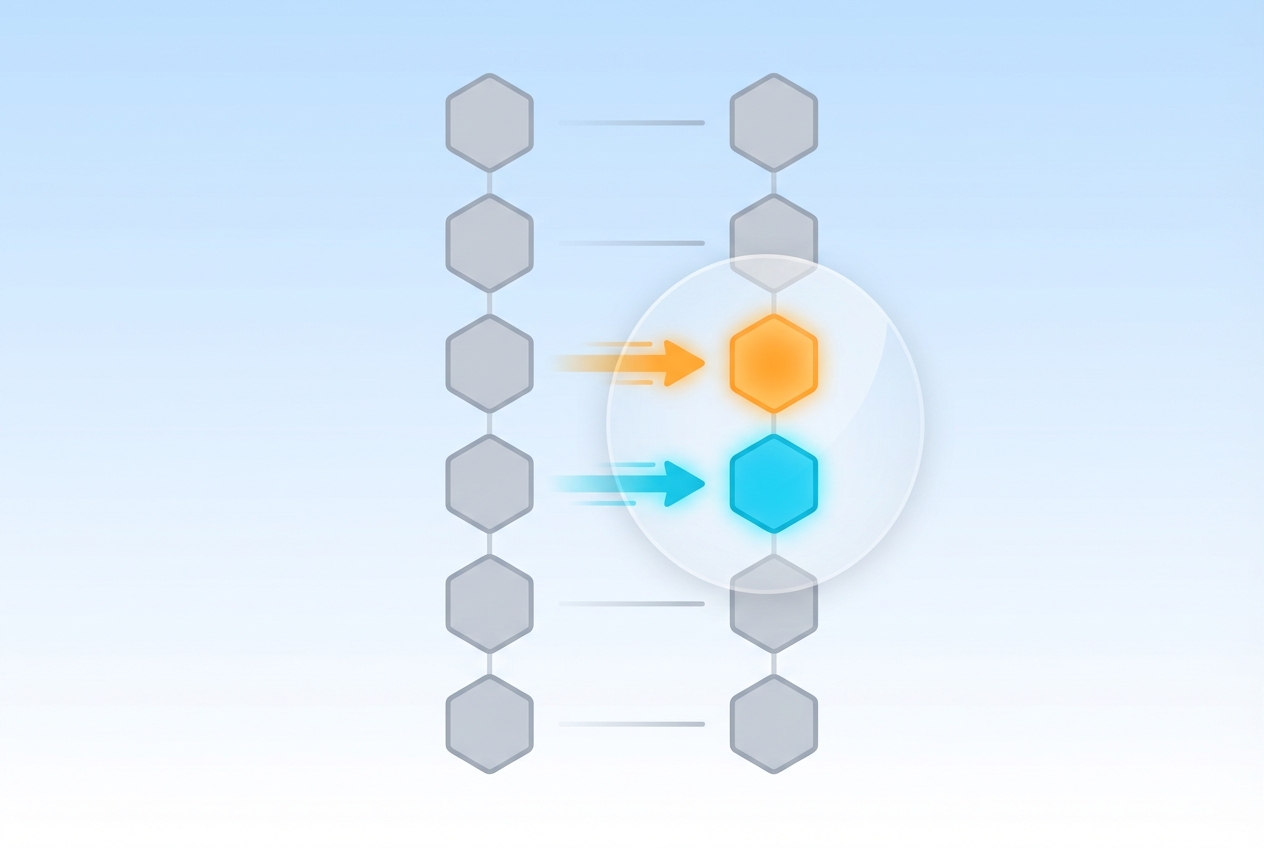
Hash-based change detection
Each scenario is fingerprinted with SHA-256. Only modified content syncs to TestCollab. Renaming or moving a feature file does not create duplicates - the BDD testing tool tracks content, not paths.
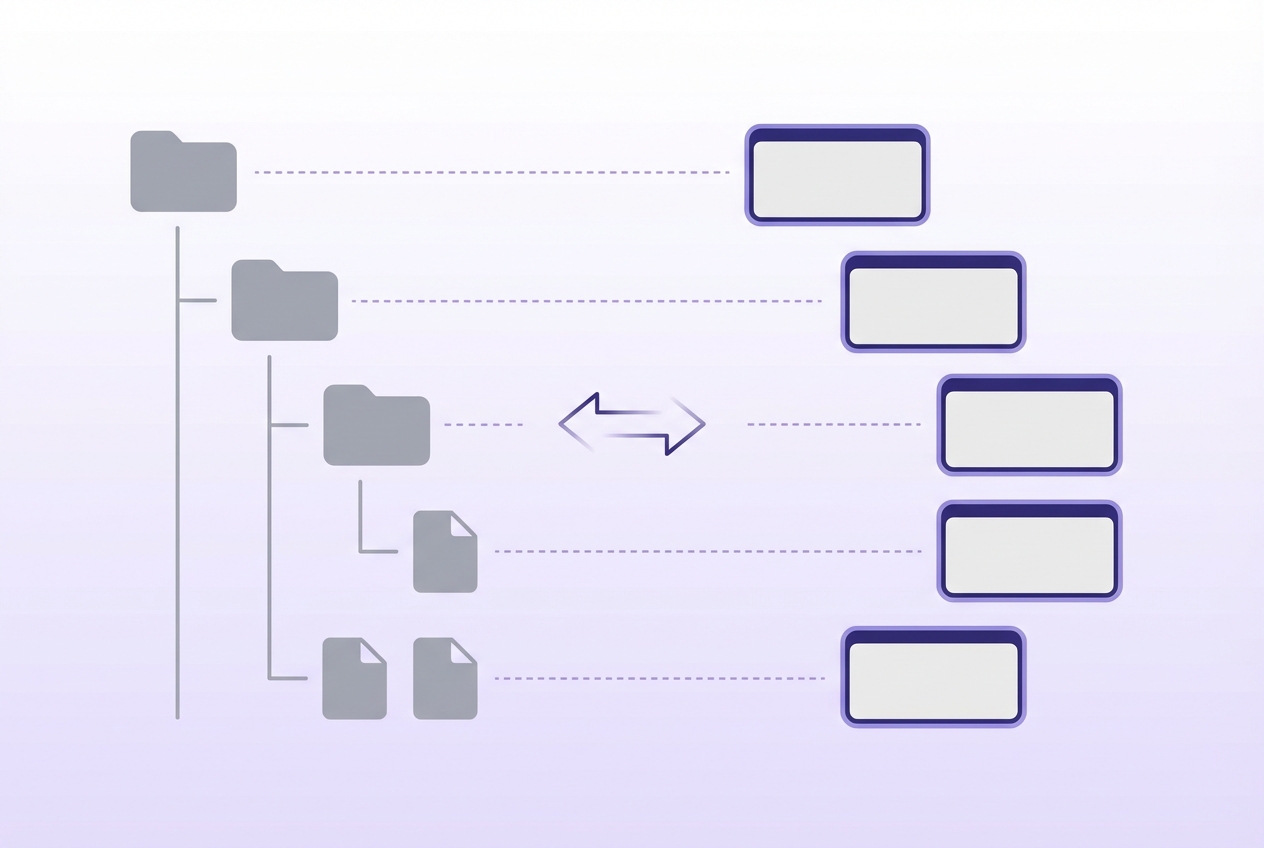
Folder structure becomes suite hierarchy
Your directory tree maps directly to TestCollab suites. features/auth/login.feature becomes Auth > Login automatically. No manual suite setup required.
CI/CD
Automate sync from your CI/CD pipeline
Add one step to your pipeline config. Every push that touches .feature files keeps your BDD tests in sync - no manual imports.
GitHub Actions
Trigger sync on every push that touches .feature files:
name: Sync BDD Tests
on:
  push:
    paths: ['**/*.feature']
jobs:
  sync:
    runs-on: ubuntu-latest
    steps:
      - uses: actions/checkout@v4
      - run: npx @testcollab/cli sync --project ${{ secrets.TC_PROJECT_ID }}
        env:
          TC_API_TOKEN: ${{ secrets.TC_API_TOKEN }}
GitLab CI
Add a sync job to .gitlab-ci.yml:
sync-bdd-tests:
  image: node:20
  only:
    changes: ['**/*.feature']
  script:
- npx @testcollab/cli sync --project $TC_PROJECT_IDExecute
Run BDD tests from a collaborative web panel
Developers write Gherkin in their IDE. QA teams execute, track, and report from TestCollab. Everyone sees the same scenarios.
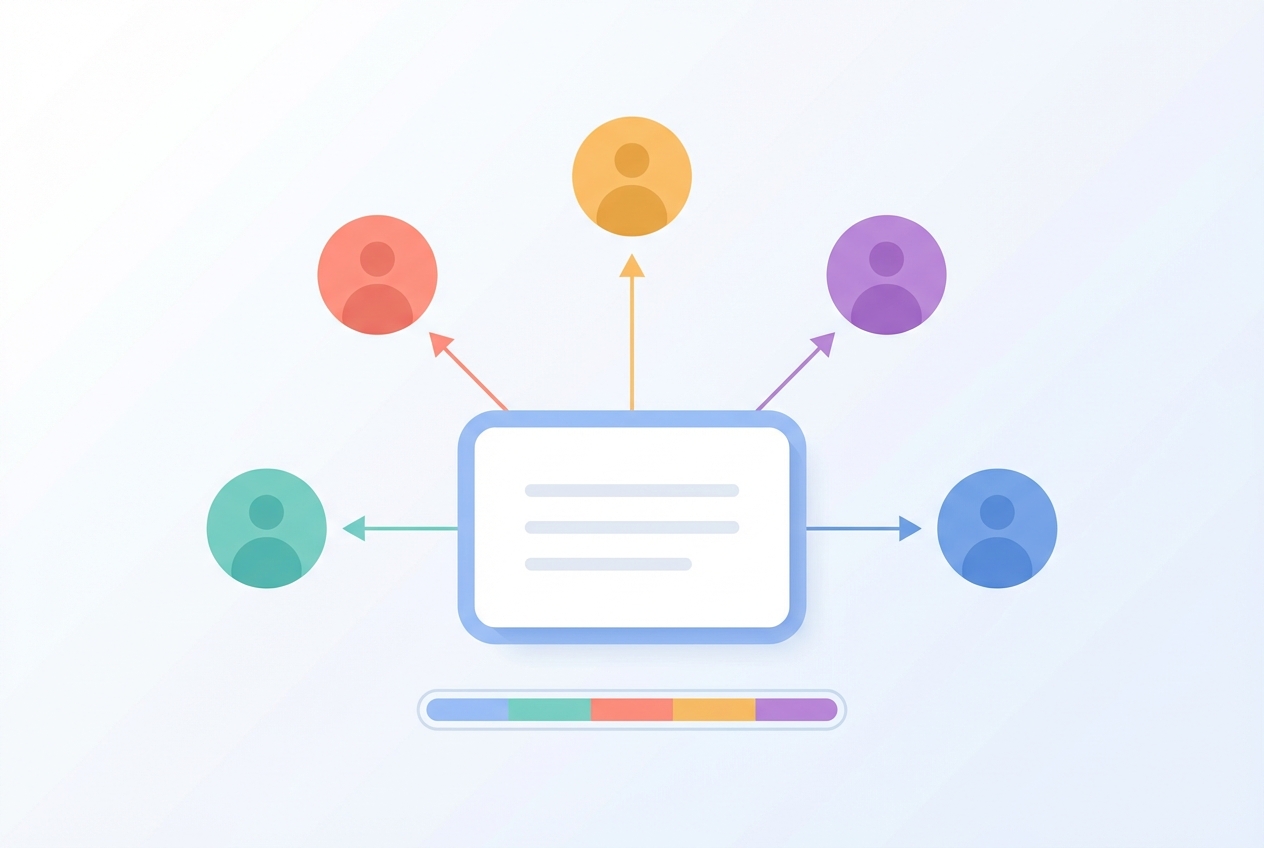
Delegate test execution to your team
Create test plans from synced scenarios. Assign execution to specific team members, set milestones, and track progress in real time. BDD testing that works for the whole team.
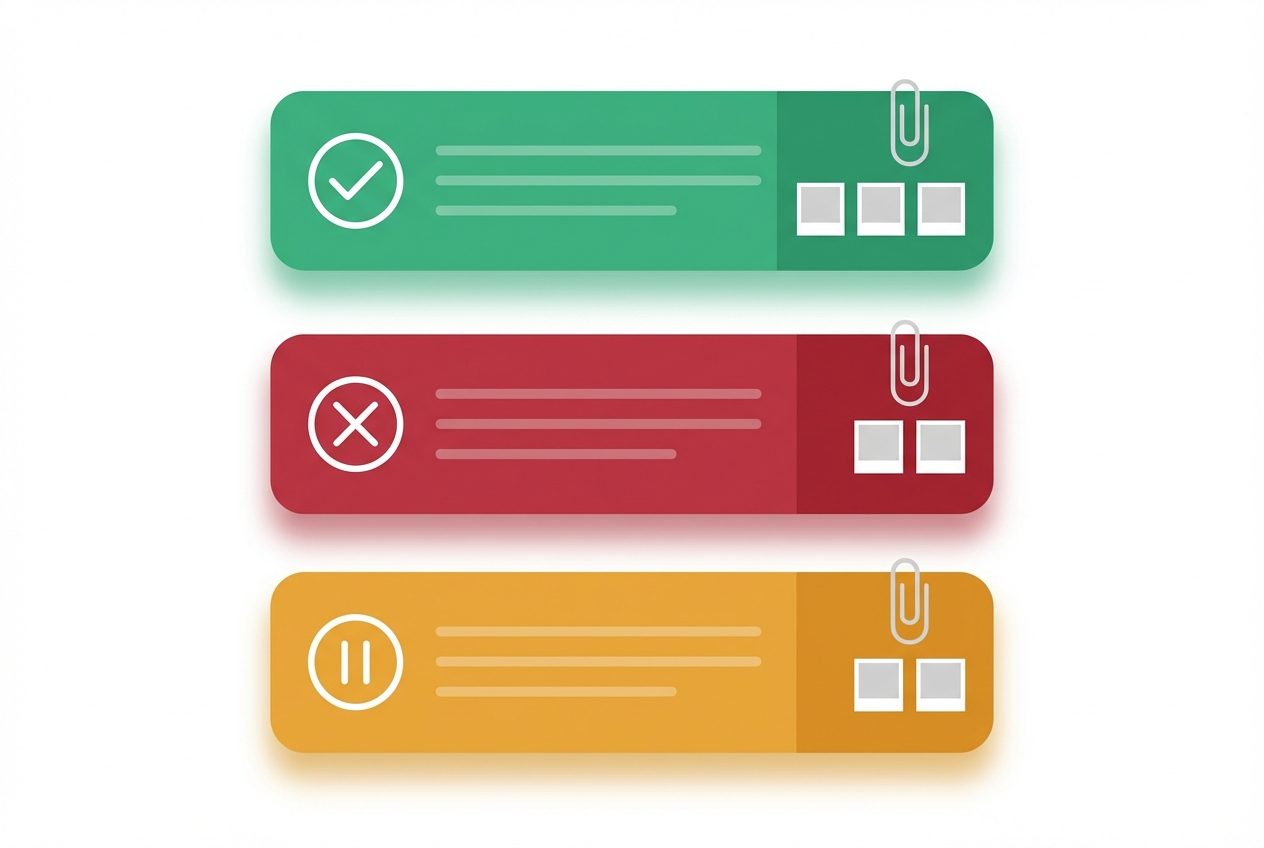
Pass, fail, or block with evidence
Mark each Gherkin step individually. Attach screenshots, logs, and notes as evidence. Link failures directly to Jira or GitHub issues for fast triage.
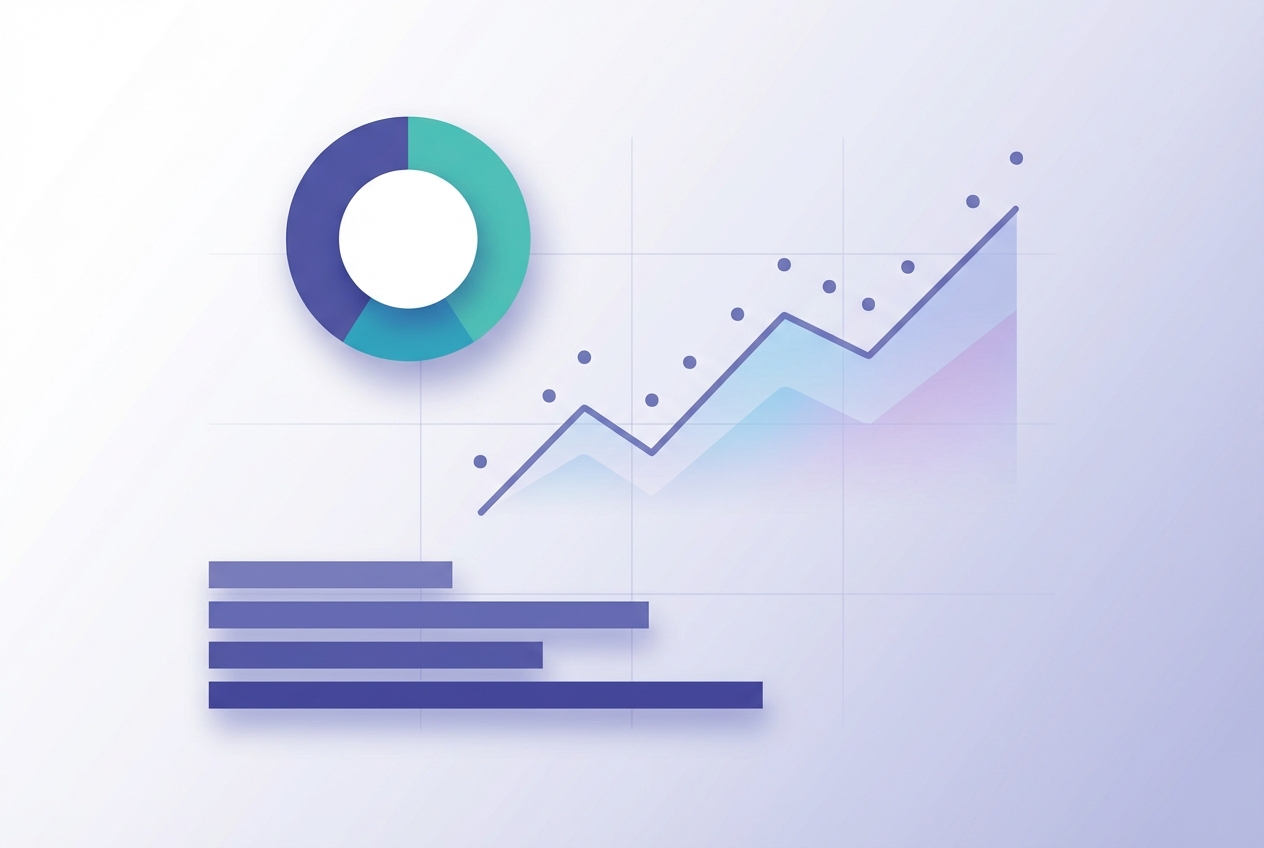
Dashboards and reports
Coverage by feature file, trend charts across sprints, and exportable reports for stakeholders. See BDD testing progress without leaving TestCollab.
Collaborate
Collaborate without leaving your Git workflow
A BDD testing framework that respects how developers and QA teams already work.
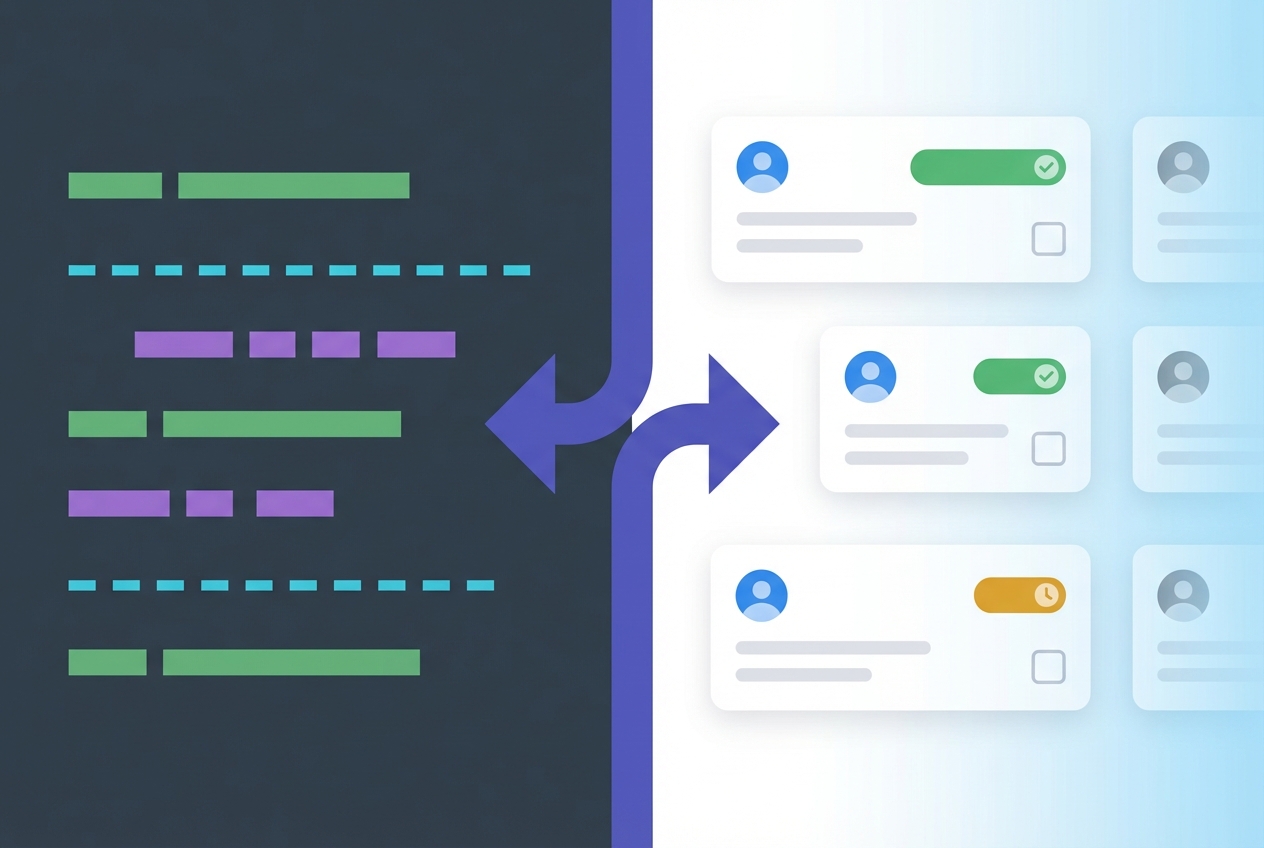
Developers write, QA executes
Developers stay in their IDE and commit feature files. QA manages execution, reporting, and defect tracking in TestCollab. No one changes their workflow.
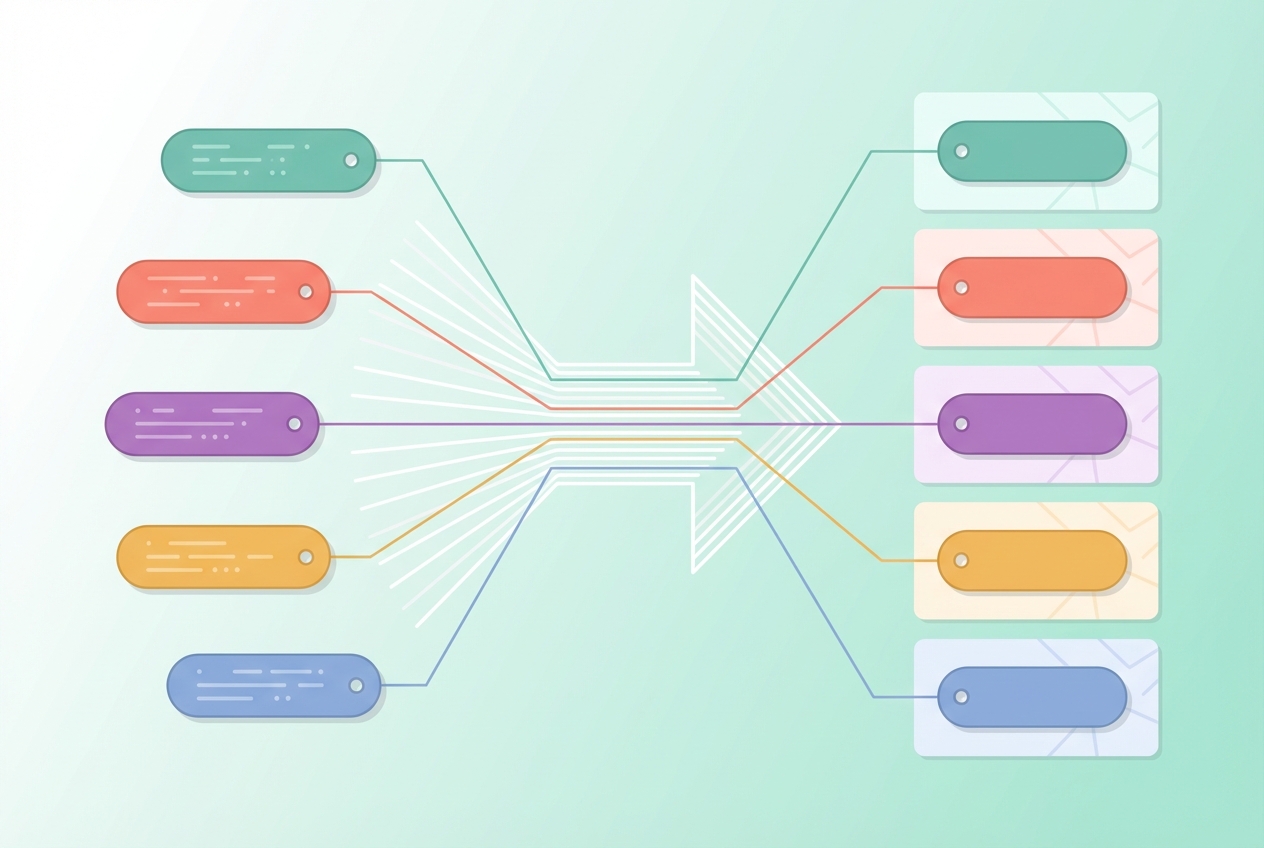
Gherkin tags mapped automatically
@smoke, @regression, @critical - scenario tags sync as TestCollab tags. Filter test plans by tag to run exactly the right subset for each release.
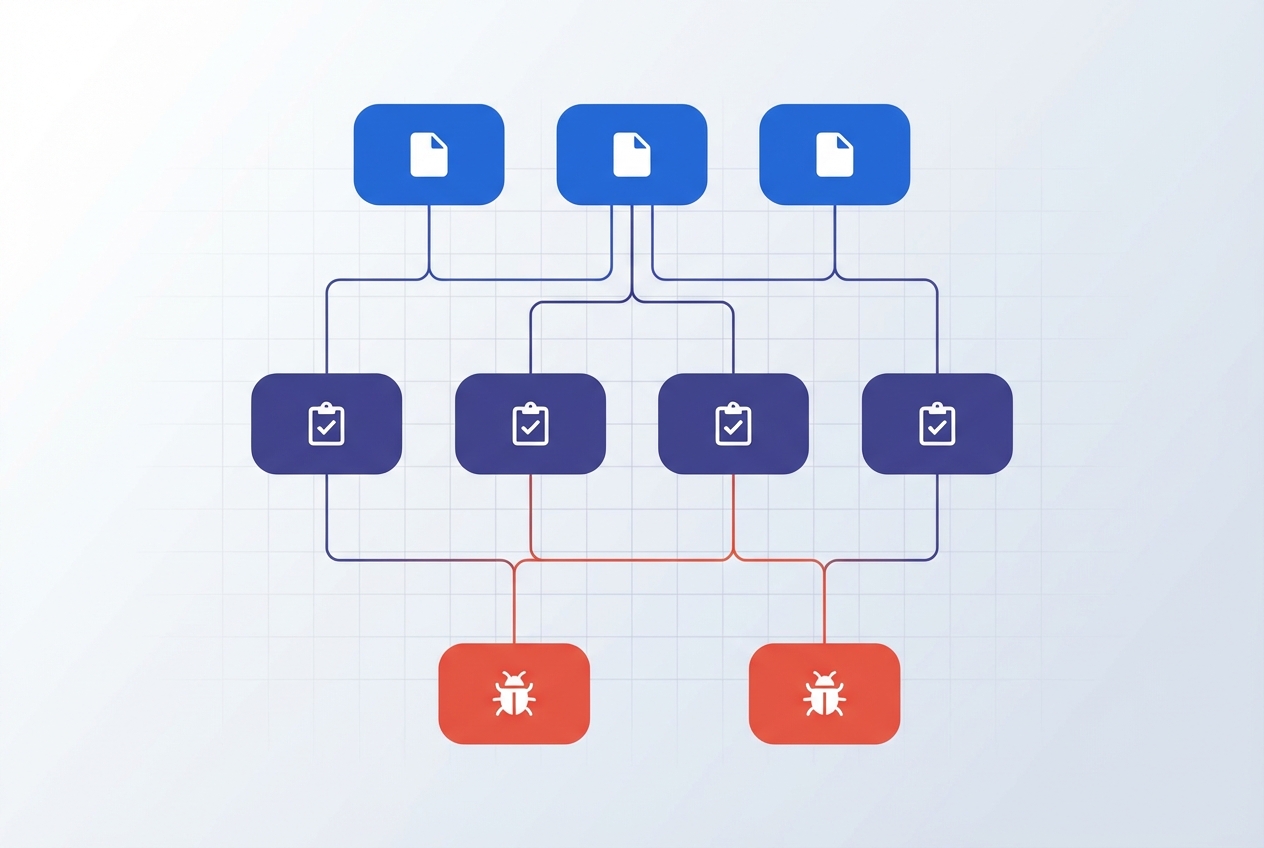
Traceability to Jira requirements
Link synced scenarios to Jira stories or epics. Get coverage reports per requirement and a full traceability matrix from requirement to test to defect.
FAQ
Answers teams look for
What is BDD testing?
BDD (Behavior-Driven Development) testing is an approach where tests are written in plain language using Gherkin syntax (Given/When/Then). This lets developers, QA, and product teams collaborate using a shared vocabulary. TestCollab supports BDD testing by syncing Gherkin feature files from your Git repository.
What is a BDD testing framework?
A BDD testing framework combines Gherkin parsing, test execution, and reporting. Automation frameworks like Cucumber handle code execution. TestCollab adds collaborative test management - sync feature files, assign execution, track results, and report coverage to stakeholders.
How does TestCollab sync Gherkin feature files?
The @testcollab/cli tool runs in your repository or CI pipeline. It parses .feature files, computes SHA-256 hashes for each scenario, and sends only changed content to TestCollab. Folder structure is preserved as suites, and tags are mapped automatically.
Can I use BDD testing with Cucumber?
Yes. Write and automate tests with Cucumber (or any Gherkin-compatible framework like SpecFlow, Behave, or pytest-bdd), then sync the same .feature files to TestCollab for manual execution tracking, exploratory testing, and team-wide reporting.
Does BDD testing work with CI/CD?
Absolutely. Add tc sync to GitHub Actions, GitLab CI, Jenkins, or any pipeline. Tests sync automatically on every push that changes .feature files, keeping your BDD testing framework up to date without manual effort.
What is the difference between BDD and TDD testing?
TDD (Test-Driven Development) focuses on writing unit tests before code, typically in the programming language itself. BDD testing uses plain-language Gherkin syntax that non-technical stakeholders can read. Both can coexist - TDD for code-level tests, BDD for behavior-level acceptance tests.
Is there vendor lock-in with TestCollab BDD?
No. Your feature files live in your Git repository. TestCollab reads and syncs them but never owns them. If you stop using TestCollab, your tests remain in your repo exactly as they were. Zero vendor lock-in by design.
What Gherkin syntax is supported?
Full Gherkin support including Feature, Scenario, Scenario Outline with Examples tables, Background steps, data tables, doc strings, and tags. The parser handles all standard Gherkin constructs.
Keep your BDD tests in Git. Execute from anywhere.
Zero vendor lock-in. Sync Gherkin feature files and collaborate on test execution.