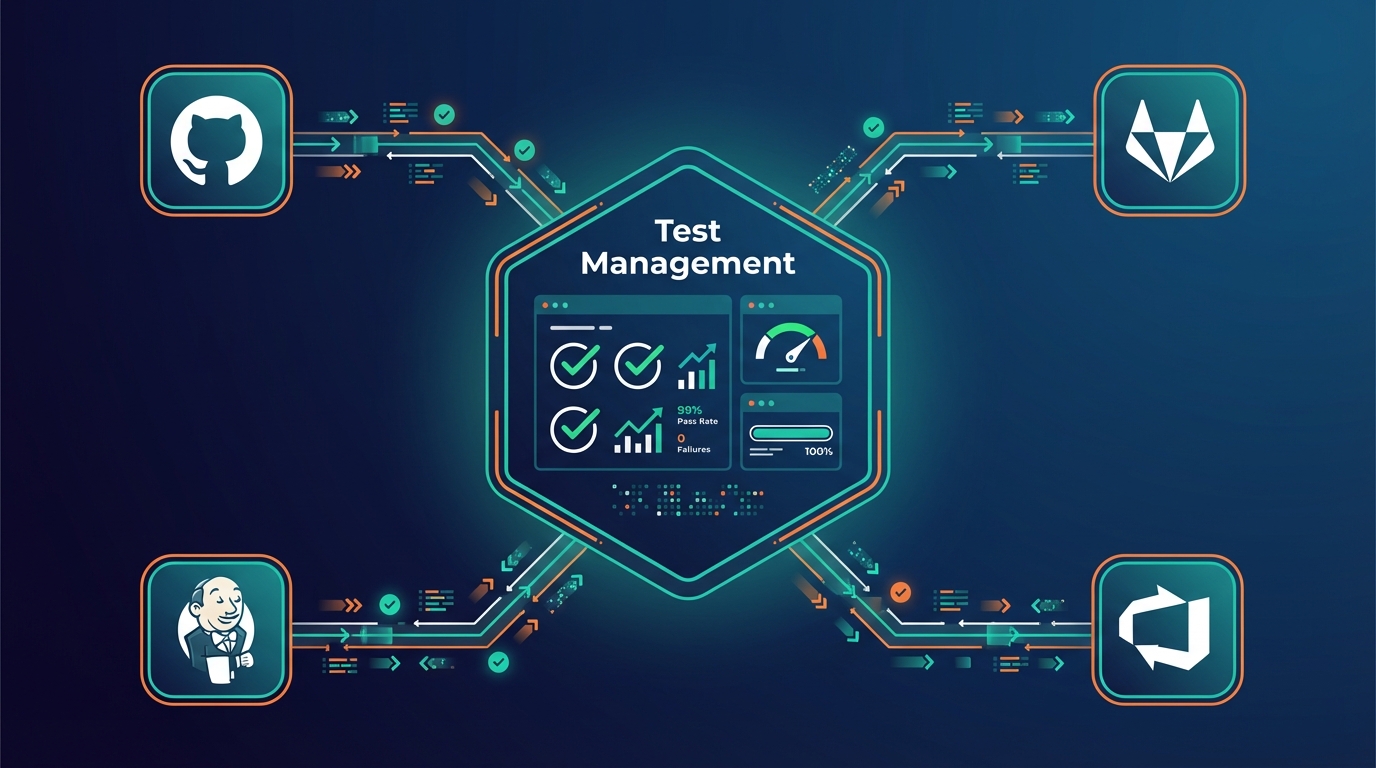

Every test management tool claims "CI/CD integration." In reality, most require you to do the hard work first: manually create a test plan, create test cases, tag them, figure out which ID goes where, and then the CLI will upload results. Miss a step and you get a silent failure.
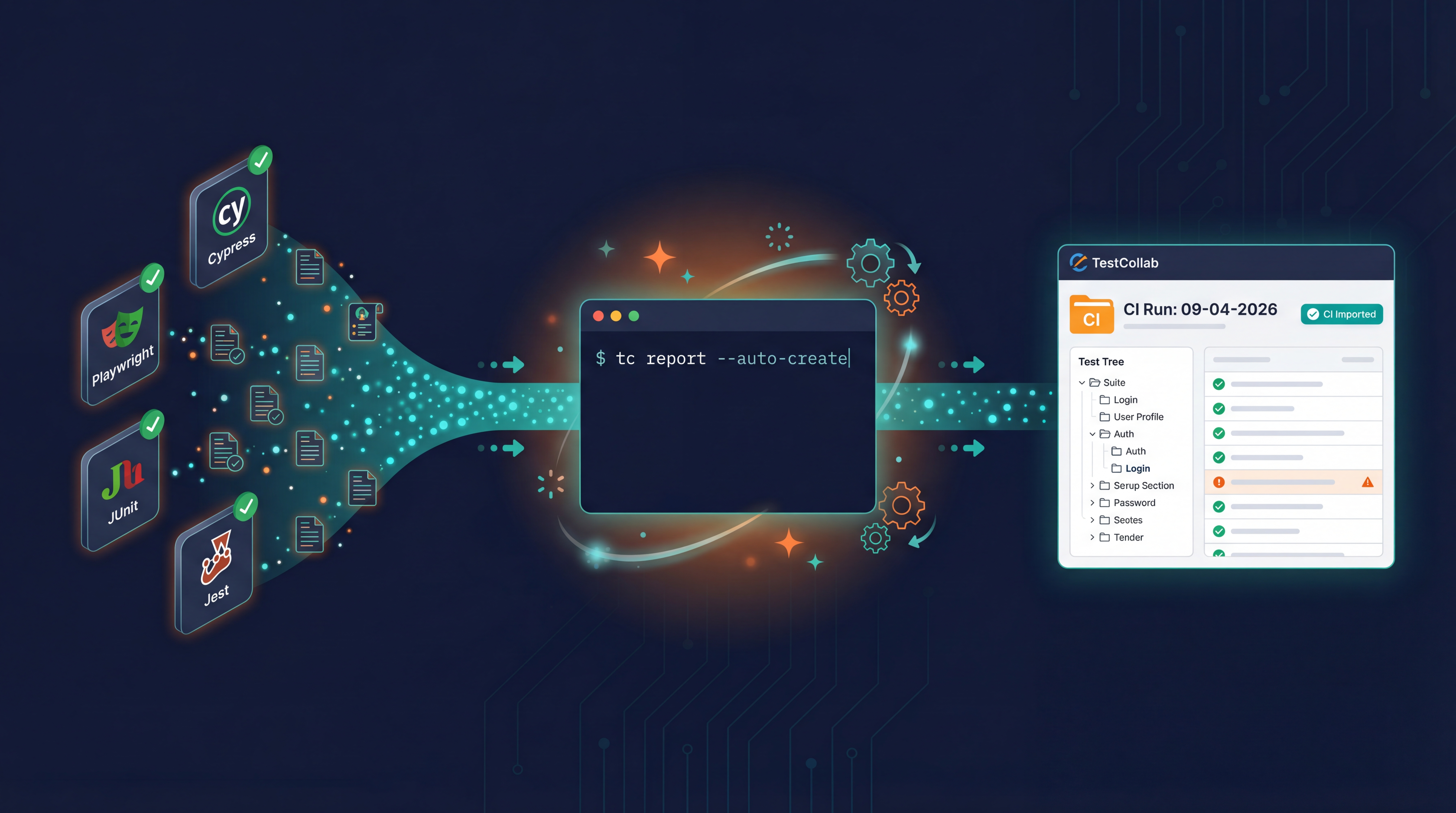
We shipped something different. TestCollab CLI now has an --auto-create flag. One command, and your test results are in TestCollab - tag, suites, test cases, folder, and test plan included. From there they feed the test automation dashboards and reports.
The command
tc report \
  --project 123 \
  --format junit \
  --result-file results.xml \
  --auto-create
That is the entire integration. No createTestPlan step. No tag management. No ID decoration on your test names.
What it actually does
On first run, the CLI parses your JUnit XML or Mochawesome JSON and then:
- Creates a
CI Importedtag in the project (reused forever after) - Creates test suites: one per unique classname (JUnit) or describe block (Mochawesome), with automatic name cleanup
- Creates test cases from your test names, under the matching suite, tagged with
CI Imported - Creates a
CIfolder for test plans - Creates a new test plan called
CI Run: DD-MM-YYYY HH:MMunder the CI folder - Adds all the tagged cases to the plan and assigns them to you
- Uploads the results: pass/fail/skip, timings, error stack traces
On every subsequent run, the tag, suites, folder, and existing test cases are all reused. Only a new test plan is created per run, which is exactly what you want for a release history.
Why most competitors do not do this
Walk through the setup docs of any other test management CLI and you will see the same friction pattern: create a project, create a module, create test cases, tag them with a CI key, reference the key in your test names, map IDs in a config file, and then run the CLI. Onboarding takes a day. Maintenance is forever - every new test needs a new manual ID.
The usual justification is "your test case catalog should be curated." That is true for manually-authored cases. It is not true for automated tests that already exist in your codebase and are their own source of truth. The test management tool should mirror what your runner produced, not force you to mirror your runner in a second system by hand.
Smart matching handles the messy middle
Real codebases are a mix. Some tests are important enough to get a stable [TC-42] prefix; most are not. --auto-create handles both in the same file:
- Test has a TC ID? Matched by ID. Tag added if missing.
- Test has no TC ID? Matched by normalized title within its suite (case-insensitive, whitespace-collapsed). If no match, a new test case is created.
This means you can adopt TC IDs incrementally. Start with zero, tag your critical paths as you go, and the rest keep flowing automatically.
Suite names are humanized too - com.app.auth.LoginTests becomes Login, tests/auth/login.spec.ts becomes Login, user_profile_spec becomes User Profile. Your TestCollab suite tree looks like something a human would build, not a Java stack trace.
It is also agent-friendly
This matters more than it sounds. AI coding agents like Claude Code, Cursor, and Codex can now generate test suites end-to-end, run them, and report results - without a human pre-building a test plan. The agent writes tests, runs them, and executes tc report --auto-create. TestCollab catches up with whatever the agent did. No "please go click these buttons first" step that breaks the agent loop.
The same property makes ephemeral feature branches trivial to track. Each branch pushes its own CI run as its own test plan, no shared state, no cleanup.
GitHub Actions example
- run: PLAYWRIGHT_JUNIT_OUTPUT_NAME=results.xml npx playwright test --reporter=junit
- run: |
    tc report \
      --project ${{ secrets.TC_PROJECT_ID }} \
      --format junit \
      --result-file results.xml \
      --auto-create
  env:
    TESTCOLLAB_TOKEN: ${{ secrets.TESTCOLLAB_TOKEN }}
Two lines. Works with Playwright, Cypress, Jest, Pytest, WebdriverIO, Robot Framework, PHPUnit, Go, TestNG - anything that emits JUnit XML or Mochawesome JSON.
Try it: npm install -g @testcollab/cli. Full docs on GitHub.