

The owner of a company account can delete the account. This deletes the company and all of its data: projects, test cases, test plans and their results, uploaded files, and the user accounts of the company's members. It cannot be undone.
Before you start
- Only the company owner sees Delete Account. Other Administrators cannot delete the account.
- If you only want to stop paying, you do not have to delete the account. See How do I cancel my subscription or trial?
- If you want to keep a copy of your data, export it first. See Can I export my data?
An account whose trial or subscription has expired can also be deleted.
Delete the account
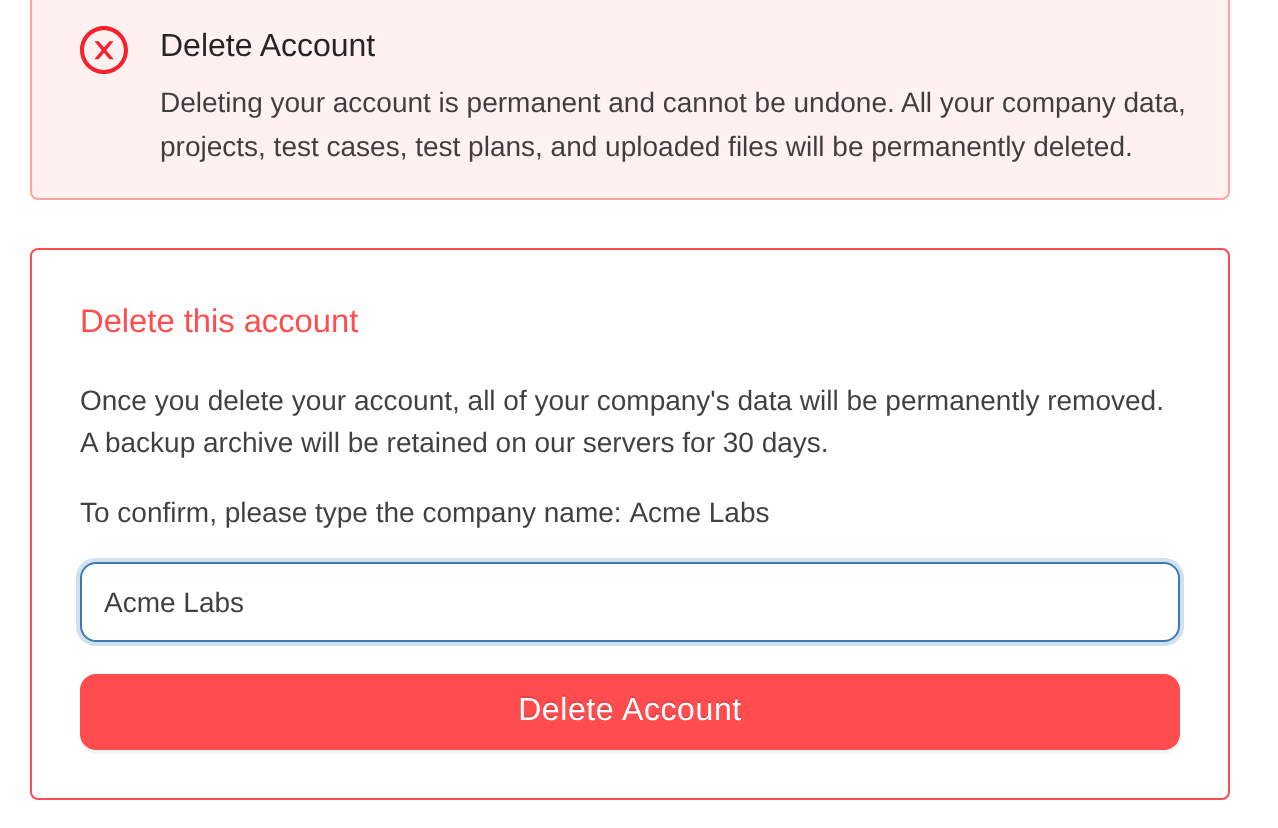
- Open Settings and then Delete Account.
- Type the company name exactly as it is shown on the page.
- Click Delete Account.
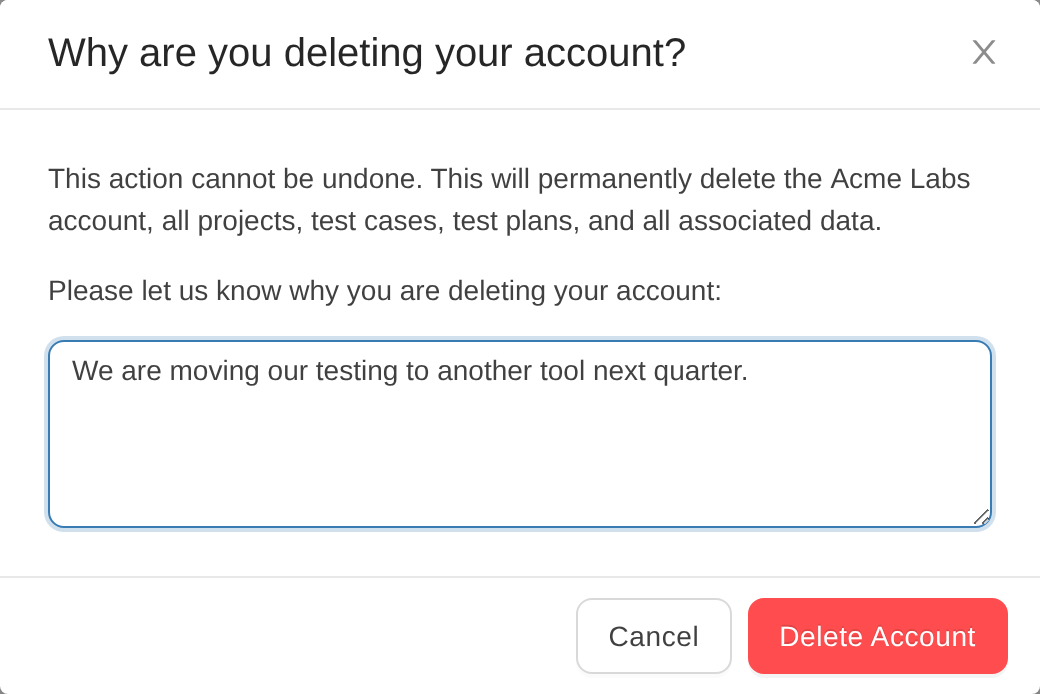
- Tell us why you are deleting the account, and click Delete Account again.
What happens next
- Billing stops first. An active subscription is cancelled at once, with no final invoice and no credit for the rest of the period, and your saved payment methods are removed. Invoices that were already open do not change.
- If the subscription cannot be cancelled, nothing is deleted, and you see "We could not cancel your subscription. Please try again or contact support."
- You are signed out, and the account is deleted in the background. A backup archive of the account is kept on our servers for 30 days.



