API token is an important security measure as it authenticates you while accessing TestCollab API or use TestCollab's bi-directional app for JIRA.
Here are the steps to get a new API token generated:
-
Click on the profile picture or your initials shown on top right corner of the page
-
Select "My Profile Settings"
-
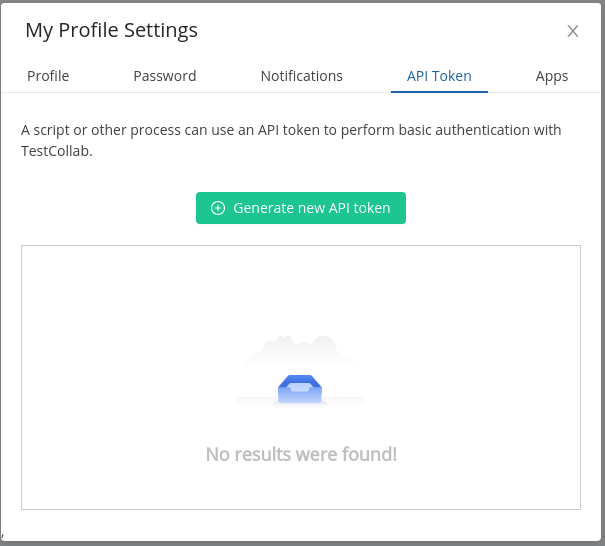
Switch to
API tokentab
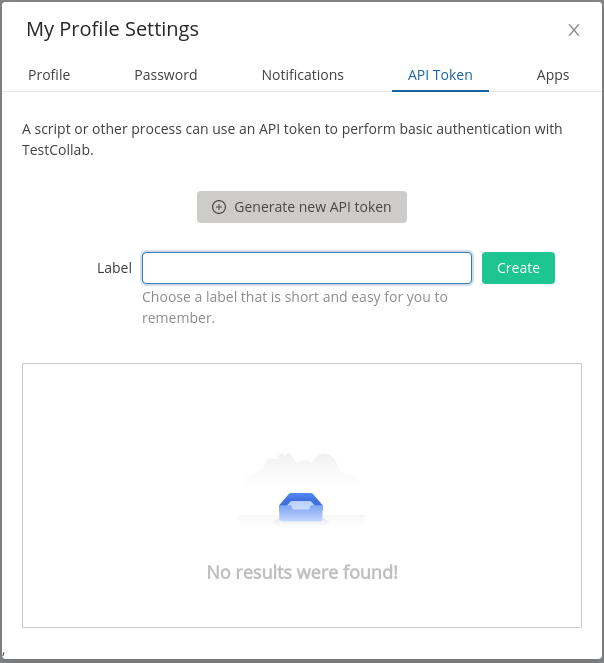
Give the token a label that identifies its integration and environment. Create a separate token for each integration and environment so one token can be revoked without interrupting another.
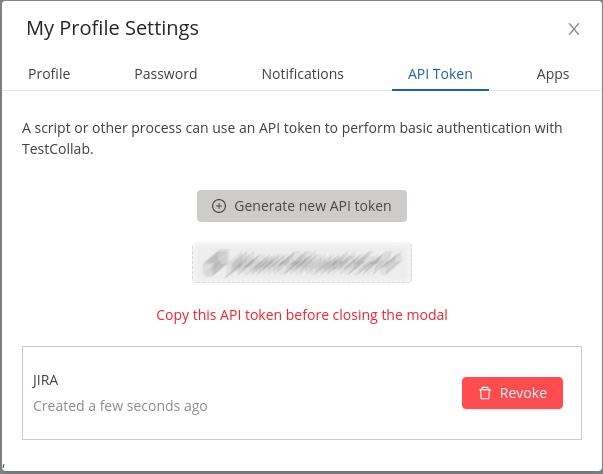
When you select Create, the generated API token is shown once. Copy it to your
organisation's secret manager and choose the shortest practical lifetime. Do not store it in
source code, screenshots, email, chat, or tickets.
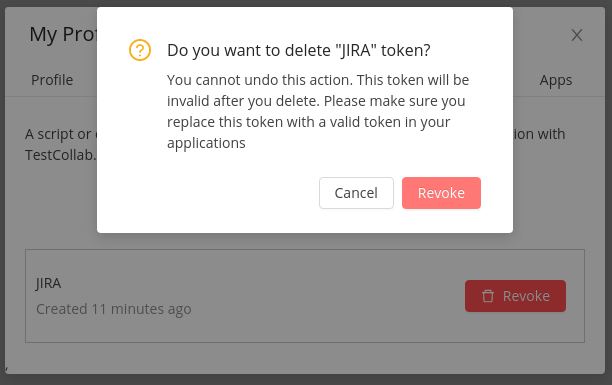
Revoke a token as soon as it is no longer required. If a token may have been exposed, revoke it immediately and create a replacement.