

A project on TestCollab could be anything that needs testing, from a software to a website to a product.
You can see list of of all projects in your Company on Projects Page.
Accessing Projects page
-
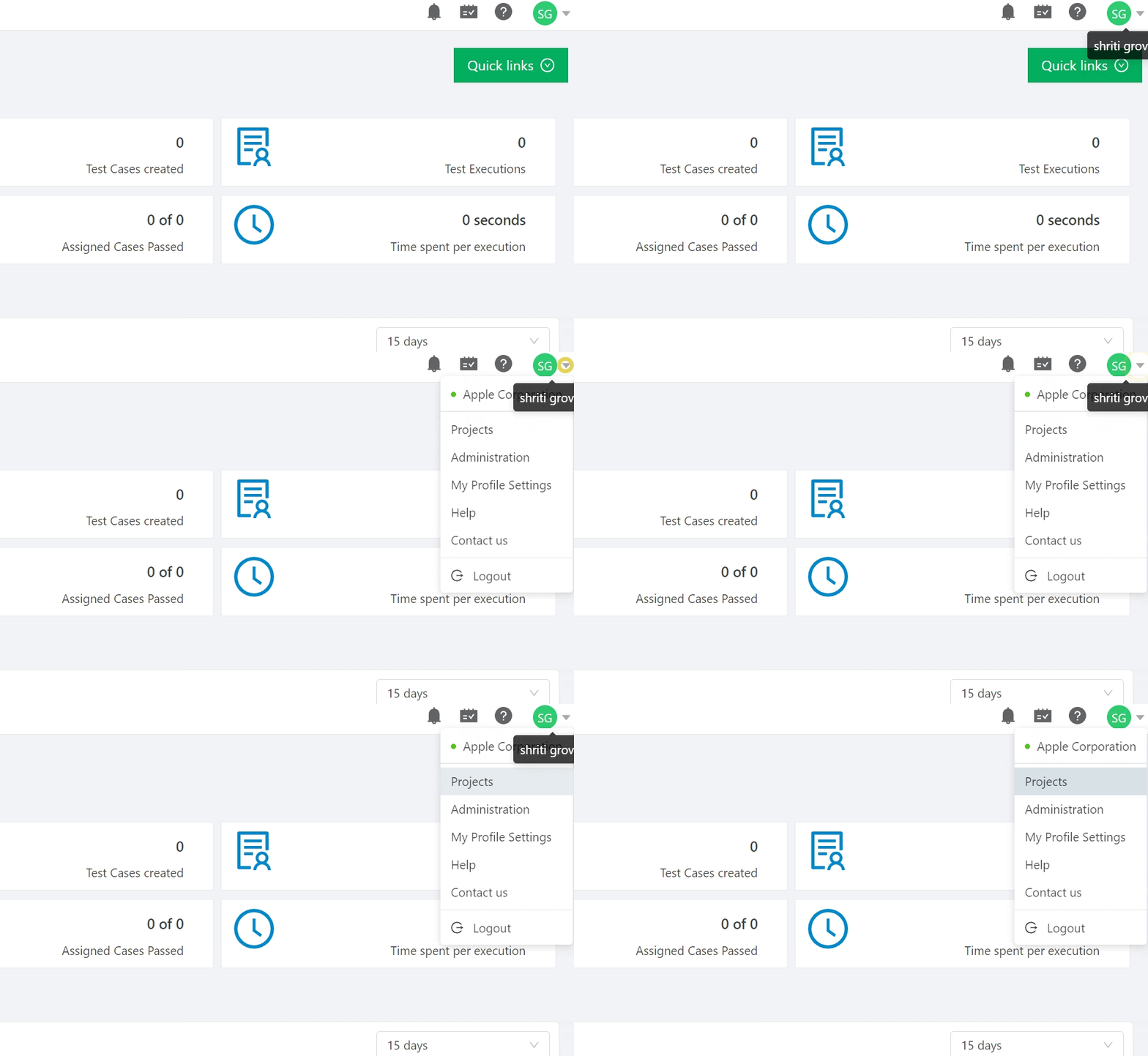
By clicking Projects link in Profile Menu
-
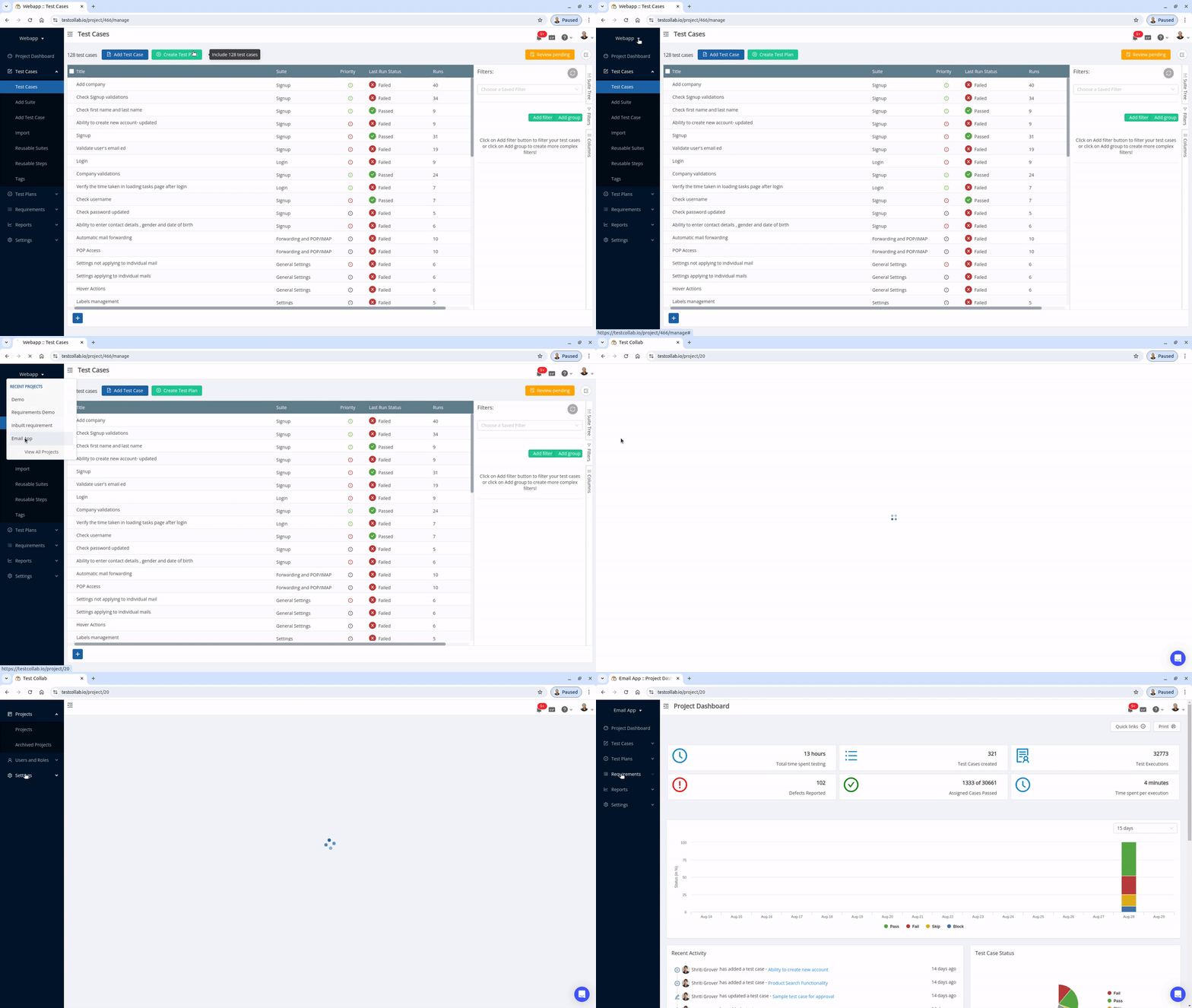
Using the drop-down on the left menu, you can access the list of recently used projects along with a link to "All projects."
From Projects page an administrator can perform actions like :
Editing a project
Click on actions menu (...) and then click Edit to change your project's Name.
Deleting a project
Click on actions menu (...) and then click Delete
Deleting a project removes all related test cases, test plans, test results, defects, and settings. This action cannot be undone in TestCollab. Archive the project instead if you may need it again. If the deletion was accidental, contact support promptly to ask whether system administrator recovery is available under our data backup policy. Recovery is not guaranteed.



