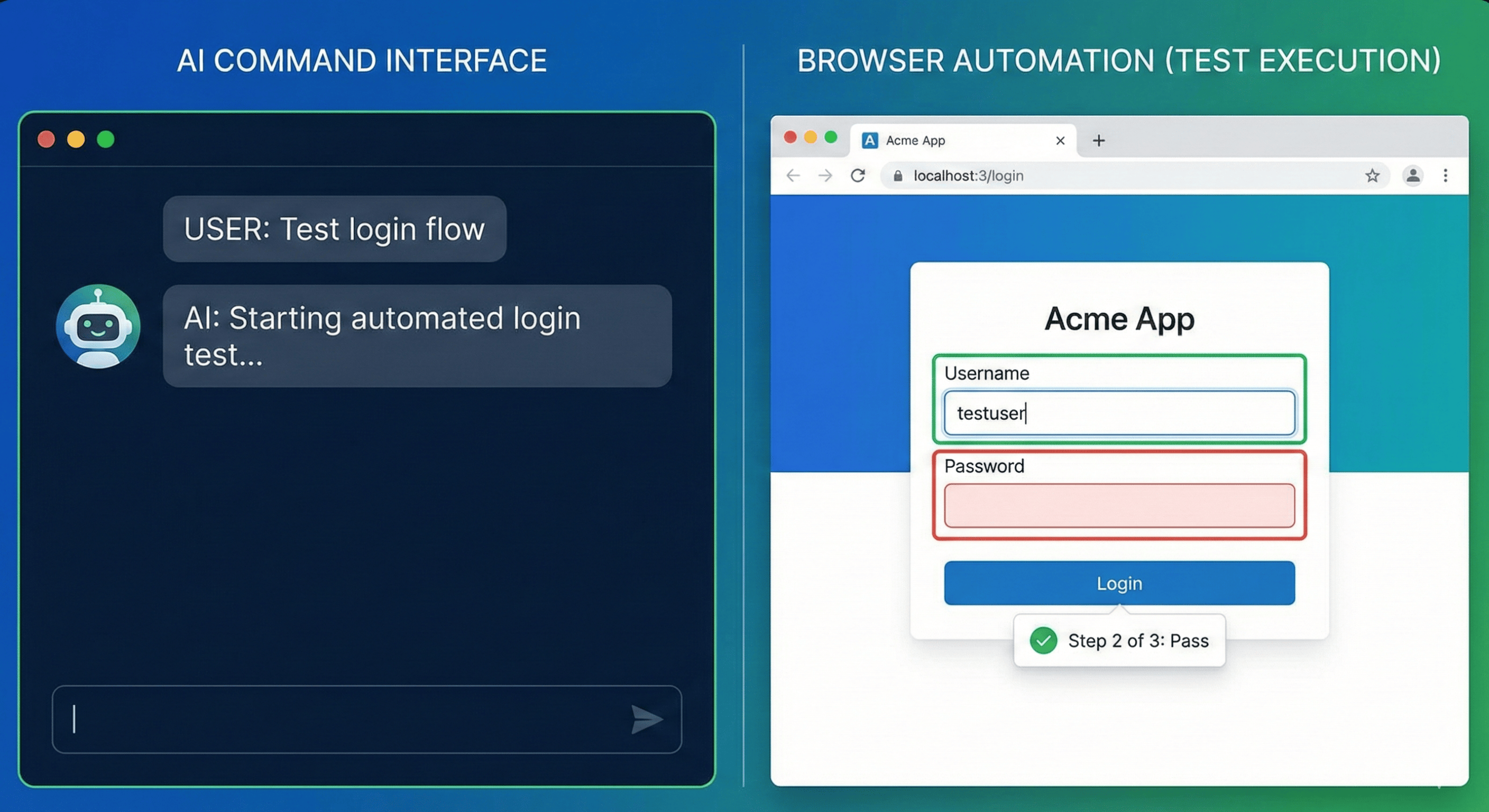
Your app works when you use it normally. But can one user read another user's private note? Can a read-only member create a record by calling the API directly? Does signing out actually invalidate the session? Security testing with AI becomes useful when you turn questions like these into explicit checks that an agent can execute and report on.
In this guide, we connect OpenCode to TestCollab and run a checklist against a small notes app. TestCollab is a test management tool: your team keeps test cases there, organizes executions, and records results with evidence. OpenCode is the AI coding agent that performs the checks. You decide which rules matter to your application.
The result is a workflow you can run whenever you need a fresh check, or trigger after a local commit. You can add or revise checks centrally as your app changes. There is no required checklist size and no need to accept our sample cases as your definition of security.
The four-minute video shows the workflow. The written steps below add the setup commands, example cases, result policy, and troubleshooting details.
Watch the tutorial on YouTube (4 min).
Get the sample app and security testing starter on GitHub. It includes the application, example checks, OpenCode configuration, runner, and Git hook used by this tutorial.
How security testing with AI works in this example
We use the term agentic security testing for an AI agent using tools to execute security test cases and record what happened. Here, the agent reads a specific plan, makes HTTP requests to the application, checks the responses, and reports results through MCP. MCP, the Model Context Protocol, connects an agent to external tools and data.
There are three responsibilities in the workflow:
| Component | Responsibility |
|---|---|
| Your team and TestCollab | Maintain the security rules, test steps, expected results, and shared execution records. |
| The starter's runner | Read the current checklist, create a fresh plan, start OpenCode, and check the saved result counts. |
| OpenCode | Execute the assigned cases against the target app and report observed results with evidence. |
A test case describes a check and its expected outcome. A test plan groups the cases selected for an execution. A run holds the execution results within that plan. The starter creates a new plan for each normal invocation, giving you separate records that can be associated with different commits.
This division matters when more than one person needs to understand a result. A chat message saying "security looks good" leaves a reviewer with several questions: which rules were checked, which version was running, and what responses supported the conclusion? A plan with individual results gives the team something concrete to inspect.
The TestCollab MCP integration supplies the connection to those records. The application being tested remains a separate system. In this tutorial, that application is the local notes app.
1. Write your own security checklist
Start with the boundaries your application promises to enforce. For a notes app, ownership matters: Alex should be able to read Alex's note, while Sam's private note must remain inaccessible to Alex. For a billing app, the equivalent rule might involve invoices belonging to different customers. For an internal tool, it might concern who can export employee data.
Create a project in TestCollab for your application. Inside it, create a suite called Security checks. A suite is a folder that keeps related test cases together. Add a case for each behavior you want to verify, with enough detail that an executor can distinguish success from failure.
For example, the sample app has a member named Alex, an Alex-owned note at /api/notes/101, and a Sam-owned note at /api/notes/201. A useful ownership case looks like this:
| Action | Expected result |
|---|---|
| Sign in as Alex and retain the session. | Authentication succeeds and the account has the member role. |
Request /api/notes/101 with Alex's session. | HTTP 200; Alex's note is returned. |
Request /api/notes/201 with the same session. | HTTP 403; Sam's private title and note text are absent. |
The allowed request is part of the case for a reason. An application that rejects every request could appear to pass a checklist containing only blocked actions. We want to establish that access works for the owner and fails across the ownership boundary.
Expected results should reflect your application's contract. The sample uses HTTP 403 for this forbidden request. Your app might deliberately return HTTP 404 to avoid disclosing that another user's resource exists. Write the expected behavior for your app, including whether private data must be absent from the response.
The repository's checklist-examples.json provides cases you can adapt. Other useful starting points include:
- A signed-out request cannot list private records.
- A regular member cannot access an admin endpoint, while an administrator can.
- A viewer cannot create or modify records.
- A rejected cross-user edit leaves the owner's original data unchanged.
- A session saved before logout stops working after logout.
Notice the last two examples check state, not just a status code. A rejected edit should leave data unchanged. Logout should revoke the server-side session, not merely remove a cookie from the current browser.
Our guide to writing effective test cases can help you turn broad rules into executable steps. Keep account details, prerequisites, actions, and expected results clear. "Check authentication" leaves too much interpretation to the executor.
Choose the suite that directly contains the cases you want to run. The starter does not automatically collect cases from nested suites. Its example JSON is a reference for creating cases; each execution reads the current suite from TestCollab.
Optional: create your own checklist, manually or with an agent
Already have a security checklist your team trusts? Use it and continue to setup. Otherwise, you can start from the sample cases or build a list around your own application in either of these ways.
Write it yourself. List your user roles, the data each role can access, and the actions each role can perform. Turn each important boundary into a case with prerequisites, numbered steps, and observable expected results. Include legitimate actions alongside forbidden ones. For changes to data, check the stored state afterward. Use the ownership example above as a template, then add rules specific to your product.
Have an agent draft it. Open your application's repository in your usual coding agent and give it the prompt below. Supply any product requirements the code cannot explain, such as who should be allowed to export data. Use an agent with access to the relevant source and docs; the starter's security agent is configured for execution rather than checklist authoring.
Create a security checklist for this app.
Include test steps and expected results for each check.
Review the proposed expectations against your product's intended rules, resolve open questions, and add the selected cases to your Security checks suite in TestCollab. You can enter them yourself or have an agent with TestCollab case-authoring tools save them to the project and suite you specify. The sample executor's permissions do not include creating cases.
Keep HTTP cases in the suite used by this starter; add the necessary browser tools before including cases that depend on browser interaction. Once the cases are saved centrally, the same execution command reads them on the next run. The checklist can grow as your application changes.
2. Install the starter and connect OpenCode
For the version used in this tutorial, you need Node.js 22.6 or newer, npm, Git, curl, and OpenCode with a working model connection. We recorded the workflow with OpenCode 1.3.13 and pinned the TestCollab MCP server to 1.4.0. Check the repository's requirements when adapting it to a different version.
You also need a TestCollab account with access to your chosen project, a personal API token, and permission to create plans and report results. Use the supplied synthetic app first so that the account roles, endpoints, and expected responses match the examples.
Clone and install the starter:
git clone https://github.com/TCSoftInc/testcollab-agentic-security-testing.git
cd testcollab-agentic-security-testing
npm ci
cp .env.example .env
Configure your model provider through OpenCode's normal authentication flow:
opencode auth login
opencode models
If your provider is already configured, use that connection. Select an available model identifier from the list and confirm that the provider has sufficient quota. The OpenCode CLI documentation describes its authentication and model commands.
Edit your local .env file:
TC_API_TOKEN=your-personal-token
TC_PROJECT_ID=your-project-id
TC_SUITE_ID=your-suite-id
APP_URL=http://127.0.0.1:4327
OPENCODE_MODEL=your-provider/your-model
Get the API token from your TestCollab profile settings. The project identifier appears in the project's URL. If you do not know the suite identifier, the MCP get_project_context tool lists suite IDs and titles for the project. Make sure you choose the suite you just populated.
Keep the environment file local and outside Git. The token belongs in configuration, not in a test case, an agent prompt, or an attached result. The starter loads .env when the command runs, including when Git invokes it through the hook.
The included opencode.json describes the TestCollab MCP connection and the testing agent's allowed tools. Keep the full configuration when starting out: copying only the connection would omit the execution instructions and permissions. OpenCode's MCP server documentation explains the local-server configuration format.
The runner creates the plan before it invokes the agent. The agent is configured to read its assigned plan, perform the checks, and report results. Its instructions tell it to leave application code and the central checklist unchanged during execution. We keep testing and fixing as separate steps so the result describes the version we intended to check.
3. Start the app and run automated security testing on demand
Start the sample application in one terminal:
DEMO_PORT=4327 npm startLeave that process running. In another terminal, from the same repository directory, run:
npm run security:checkThe runner first checks whether the app responds at /api/health. It then connects to TestCollab, reads the cases in your selected suite, and creates a plan containing those cases. The plan title includes the trigger, current Git commit identifier, and timestamp.
The prompt to give OpenCode
The command also builds and sends the execution prompt. When you use npm run security:check, you do not need to paste a separate prompt. The starter fills in the project, plan, run, application context, and execution IDs automatically. It saves the exact prompt for that execution in .runs/<run-directory>/prompt.txt.
For an interactive run, the agent can create the plan itself. Our OpenCode integration guide covers connecting the agent to TestCollab MCP.
Make your project, checklist suite, and test-account details available in the session. Use an MCP configuration that allows reading cases, creating plans, and reporting results; the supplied starter configuration delegates plan creation to its runner.
Create a fresh plan from my security checklist and run it against <APP_URL>.
Save results and evidence in TestCollab.
The prompt tells the agent how to execute and report; the cases in TestCollab provide the checks and expected results. Add a case there when your app gains a new security rule. You do not need to copy the whole checklist into the prompt each time.
The starter supplies execution IDs and the contents of app-context.txt automatically when it launches the agent.
Pasting the prompt alone does not perform the runner's final saved-result check or produce its exit status. Use the starter command for the complete workflow, including commit hooks and pipeline checks.
OpenCode reads the assigned cases and starts testing. This starter uses curl for HTTP and page-response checks. It can verify a response code, inspect returned data, exercise role boundaries, and retain response evidence. It does not include browser automation for interactions such as clicking a control, completing a browser login flow, or verifying a rendered interface.
That distinction affects how you write your checklist. A case requiring a real browser needs suitable browser tools and permissions. A case checking whether an endpoint refuses another user's session fits the supplied HTTP workflow.
You will see progress in the terminal as the agent uses tools. Local files are saved under .runs/, including execution details and, when the runner reaches its final reporting stage, a result.json containing the plan URL and recorded counts. Open that plan in TestCollab to inspect the shared record.
The commit label identifies the checkout; it does not deploy that checkout. Ensure the running application actually corresponds to the recorded commit. If an old server process is still serving a previous version, the label alone cannot make its results describe the new code. Rebuild or restart your app as appropriate, and avoid uncommitted application changes when you need the hash to identify an exact build.
This is a practical form of AI-assisted test execution: the agent performs the steps, while the team retains the cases and evidence in a shared system.
4. Read the saved results and inspect the evidence
The terminal summary is a convenient starting point. The important record is the set of results saved against the selected executions in TestCollab.
For a failed ownership check, useful evidence would identify the acting account, the requested resource, the expected denial, and the actual response. If the request returned private note content, the result should show enough of the synthetic response to demonstrate the failure. For a successful check, the evidence should support the allowed and denied paths that the case asked for.
The starter instructs the agent to report ordered step results and attach decisive responses. It also includes a helper that removes cookie values from saved headers while preserving attributes needed for testing. Raw cookie jars and session values should not become shared attachments.
The runner then reads the saved results back from TestCollab. It returns success only when the model process completes successfully without a reported error and every selected case is recorded as passed. Failed, blocked, skipped, unexecuted, or missing results prevent success.
That readback checks completion and saved status. It does not independently prove that the agent interpreted every response correctly. Review the evidence, especially when a check is new, security-critical, or unexpectedly passes after an application change. An incorrect expectation can produce a convincing green result.
There is also a useful difference between failure and inability to test. If the server is unreachable, the agent has not demonstrated an authorization bug. If a request returns another user's private data, it has observed a failed boundary. Keep those outcomes distinct so the next person knows whether to fix the app or repair the test environment.
The video includes an earlier recorded failure in which a regular member could reach an admin page. Our completed on-demand tutorial run subsequently had its saved results verified. The commit section shows the real hook starting another run; full completion of that run was not verified after model-provider errors. That limitation is part of the example, and a reason to make incomplete execution visible.
5. Fix an issue, then create a fresh execution record
When a check fails, inspect the actual behavior before asking a coding agent to change anything. Confirm the account role, target URL, response, and expected result. A test fixture with the wrong role can mislead you just as easily as a flawed implementation.
Give the developer or coding agent the specific failure and the intended application rule. After the fix, restart the application with the corrected version and run the same security-check command again. The next normal invocation creates a fresh plan rather than rewriting the previous result.
This leaves a useful sequence: the earlier version failed a defined check; a code change followed; a later execution checked the corrected version. Someone reviewing the work can inspect each record. Our test plan management guide explains how plans organize that execution history.
Recheck the legitimate behavior as well as the blocked action. For example, a fix that prevents all members from reading notes might close the cross-user leak while breaking normal use. Include both expectations in the cases that matter to your app.
As you gain confidence in a repeated check, you can also implement it as a conventional automated test. Keep deterministic regression tests for stable, critical behavior, and use the agent workflow where interpreting steps and coordinating tools adds value. Both can contribute evidence to the team's testing process.
6. Trigger continuous security testing after local commits
Once an on-demand execution works, you can enable the included local Git hook. Check whether the repository already has a hook configuration:
git config --get core.hooksPathIf a hook manager or existing hooks directory is configured, integrate the security-check command into that setup. Replacing the setting could disable other checks. For a fresh clone without an existing hooks arrangement, enable the supplied directory:
chmod +x .githooks/post-commit
git config core.hooksPath .githooks
The included hook runs this command from the repository root:
npm run security:check -- --trigger commitEach local commit then starts the same workflow against the current central checklist. The app must be running, and the model provider must be available. The resulting plan carries a commit trigger label and the checkout's commit identifier.
A post-commit hook runs after the commit exists. It cannot reject or undo that commit. Git documents this behavior in its hook reference. Treat the result as feedback that requires attention, not as proof that Git prevented an unsafe change.
The hook setting is local to this checkout. Cloning the repository elsewhere does not automatically enable it. Each developer who wants the workflow must configure it, and model execution adds time and usage cost to their local loop. A team may prefer on-demand checks while iterating, with a controlled pipeline execution before release.
To disable the tutorial hook, restore your previous core.hooksPath setting. If you had no previous setting, remove the local override:
git config --unset core.hooksPath7. Use the same command in a build pipeline
For a release gate, the pipeline needs to run checks against the exact version it is considering for release. Check out that version, install dependencies, start or deploy it to a test environment, and wait until it is ready. Supply the TestCollab configuration and model authentication through the pipeline's secret-management mechanism.
Then execute:
npm run security:check -- --trigger ciConfigure the pipeline to stop subsequent release steps when this command exits with a nonzero status. The command supplies a result; your pipeline determines how that result affects deployment. Our explanation of quality gates in testing covers that decision point.
This is a configuration example, not a claim that the video demonstrates a hosted CI deployment. The sample app also stores data in memory. Give concurrent jobs separate app instances so one run cannot change another run's fixture or sessions. A dependable gate needs a dependable environment, available credentials, and a clear policy for failures and incomplete runs.
8. Adapt the checklist and runner to your application
Replace app-context.txt with instructions for your own test environment: the available test accounts, their roles, relevant routes, and how to establish the starting state. Change APP_URL, and adapt the readiness check if your application uses something other than /api/health.
Next, revise the central cases. Copying the sample's paths and expected status codes into a different product will not produce meaningful coverage. Translate each business rule into actions an executor can take and outcomes it can observe.
For a multi-tenant application, for example, create two synthetic tenants with separate accounts and records. Specify an allowed request within one tenant, a denied request across tenants, and what must remain absent from the response. For a write operation, include a subsequent read by the rightful owner to check that the original record remains unchanged.
Session and cookie expectations also depend on the environment. The local HTTP fixture checks HttpOnly and SameSite attributes. An HTTPS deployment should additionally require the Secure attribute. Keep the relevant context in the case so a local example does not silently become your production standard.
For choosing broader coverage, the OWASP Web Security Testing Guide offers a structured reference. Use it to identify areas that apply to your architecture, then write app-specific cases with the accounts, actions, and evidence your team needs.
The central checklist makes maintenance useful. When a role changes or a new sensitive operation appears, update the suite before the next execution. The runner reads the current cases each time. If the application adds a new authentication flow or requires browser interaction, you may also need to update its context, tools, or runner configuration.
Troubleshoot incomplete and unexpected results
Start by finding the stage that failed. A connection error before plan creation has a different cause from an executed case that returned unexpected data.
| Symptom | What to check |
|---|---|
| The app readiness check fails. | Confirm the server is running, APP_URL is correct, and the health route matches your app. |
| The selected checklist is empty. | Verify the project and suite identifiers. Cases in nested suites are not implicitly selected. |
| OpenCode cannot start or authenticate. | Check its installation, configured provider, selected model, token validity, and available quota. |
| A plan exists but results are unexecuted. | Inspect the local logs and provider errors. A created plan does not establish that testing completed. |
| The agent reports success but the command exits nonzero. | Inspect saved counts and error events. Every selected execution must be recorded as passed. |
| The result disagrees with manual testing. | Confirm the same app version, account role, fixtures, and expected behavior were used. |
The starter also includes local regression tests:
npm testThese check cookie-header redaction and the runner's result policy. They do not invoke the model or execute the security checklist against your application. Use npm run security:check for that execution.
When investigating a run, inspect logs locally before sharing them. The starter redacts specific configured secrets and provides a header-redaction helper, but arbitrary application responses can contain additional sensitive data. Synthetic accounts and records make the tutorial easier to reproduce and its evidence easier to share.
What a passing checklist tells your team
A passing execution establishes a scoped result: the selected cases were reported as passed for the environment tested. It does not establish that every possible security flaw was examined. Missing cases, incomplete expectations, and incorrect interpretation remain possible.
Keep code review, dependency and secret scanning, and deeper security assessment in your development process. This workflow gives the team a repeatable way to exercise the particular application rules it has written down. It is especially useful for checks whose results other people need to inspect later.
The value comes from improving those rules over time. When a bug exposes a missed boundary, add a case. When an expectation becomes ambiguous, clarify it. When a repeated failure is caused by unstable fixtures, repair the fixture rather than training the team to ignore the result.
A solo project may already have everything it needs in ordinary test scripts and CI output. A shared test-management record becomes useful when developers, testers, or release owners need to agree on the checks and review the evidence together.
Start with a boundary you care about
Choose one important rule in your app, write an allowed path and a forbidden path, and run them on demand. Inspect the evidence before adding more cases. Once the workflow is dependable, decide whether local commit triggers or a pipeline execution best fit your team.
You own the checklist. OpenCode executes it, and TestCollab keeps the shared record of what happened. Create your security-check project in TestCollab and use the starter alongside the video to build your first execution.