

If a test case is no more required or is considered to have been wrongly added then it can be deleted by a user with a right to do so. A deleted test case moves to the project's Trash, where a company Administrator can restore it for 60 days.
Open the test case that you want to delete.
-
Click the action menu button (located on the test case view's upper right corner).
Click “Delete”.
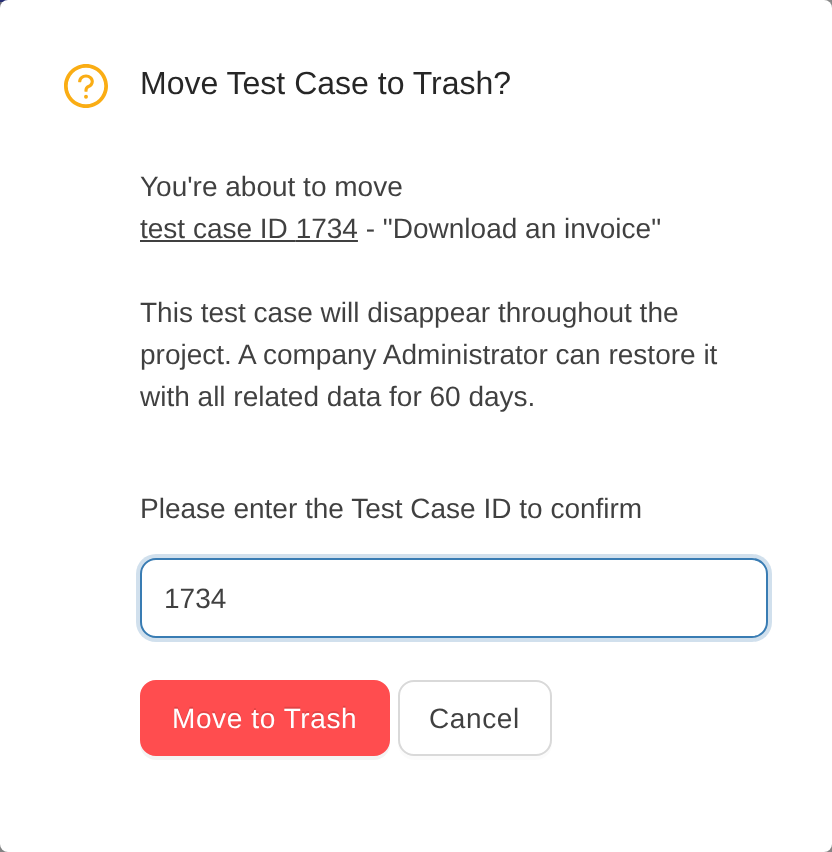
Provide Id of the test case to be deleted
Click “Move to Trash”.
What happens when a test case is deleted?
The test case moves to the project's Trash. It disappears from the test case list, test plans, runs and reports, but its data is kept: revisions, test plan results, comments, attachments, tags and requirement links. For 60 days a company Administrator can restore it from Trash. After 60 days, or when an Administrator empties the Trash, the test case is deleted for good and can no longer be restored from TestCollab (see our data backup policy).
Quick tip: Use bulk actions to select multiple test cases and move them to Trash at
one time.



